


Step-by-Step Guide:
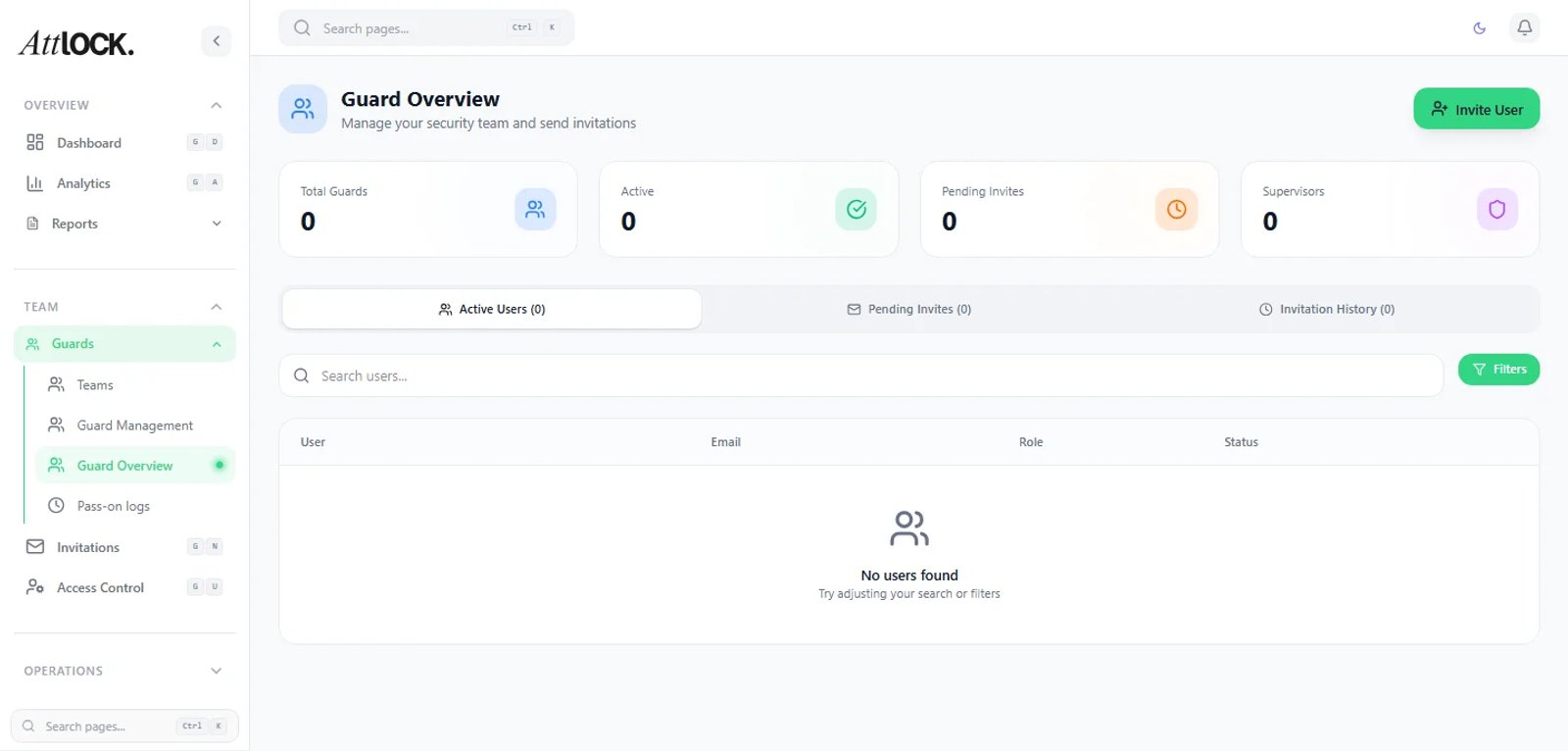
Create Profile:
- Navigate to Team > All Guards.
- Click the + Add Guard button.
Enter Personal Details:
- Name: Enter the guard's full legal name.
- Email: (Required) This will be their Username for the app.
- Phone: Enter their mobile number (crucial for SMS alerts and panic button verification).
Set Credentials:
- License: Input their Security Guard License number and select the Expiry Date.
- Pay Rate: Set their hourly base pay. This is used for payroll reports and "Estimated Cost" calculations.
Grant Access:
- Click Send Welcome Email.
- The guard will receive a temporary password and a link to download the Attlock for Guard app.