


Step-by-Step Guide:
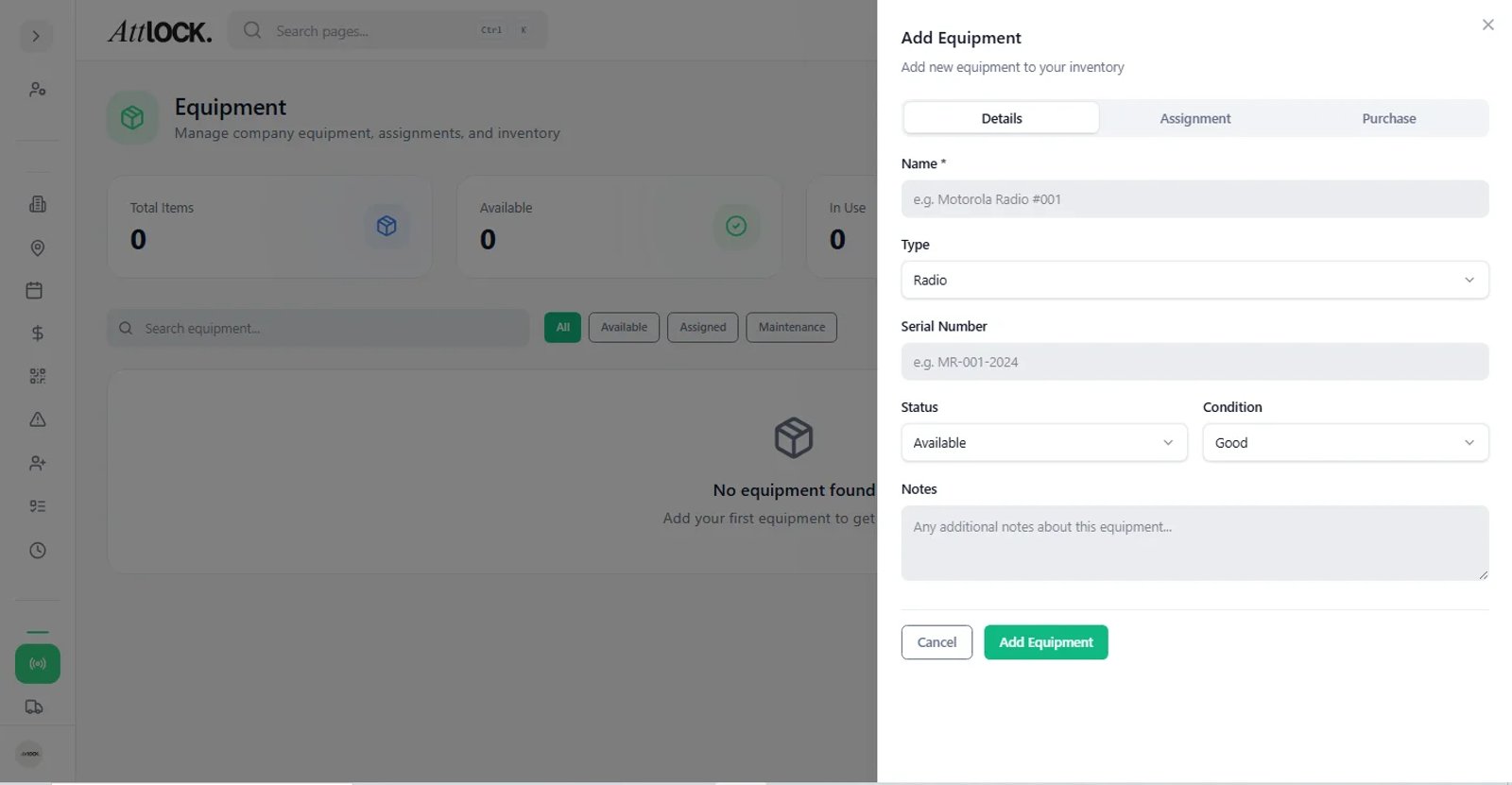
Navigate to Equipment:
- Go to Logistics > Equipment.
Check Out:
- Click Check Out Item.
- Select Item: Choose the specific asset (e.g., "Radio #44") from your inventory list.
- Select Guard: Choose who is receiving the item.
- Date/Condition: Log the date and current condition (e.g., "New").
Return:
- When the item is returned, find the log entry and click Check In.
- Mark the condition (e.g., "Good" or "Damaged").
History:
- View the History tab to see a full log of who held the item and when.