


Guard Disciplinary Notes & Write-Ups
Attlock provides a structured way to document performance issues and disciplinary actions for your guards. Keeping accurate records protects your company, ensures fair treatment, and provides a clear history if escalation becomes necessary.
Accessing Disciplinary Records
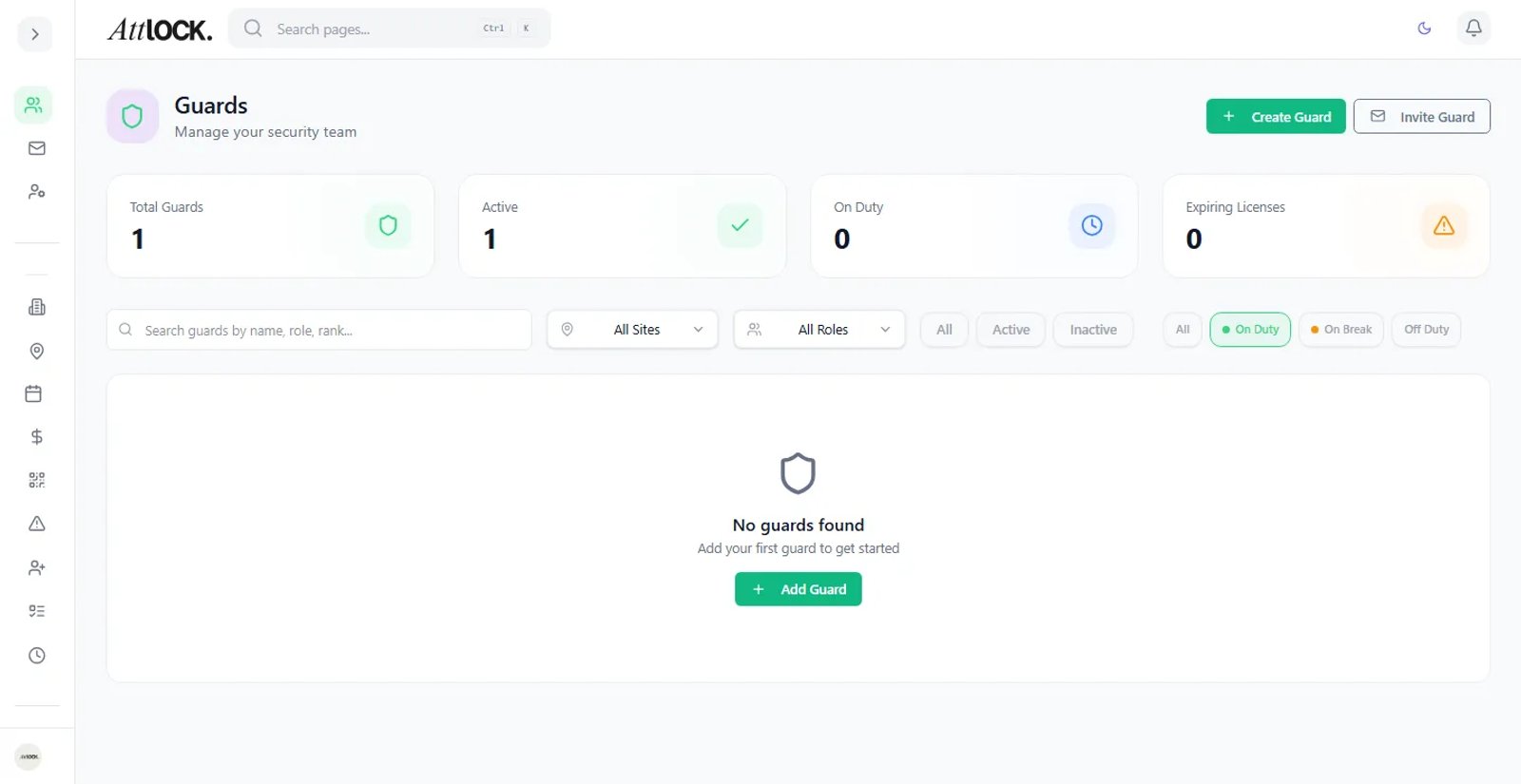
- Open the admin sidebar and navigate to Guards
- Click on the guard's name to open their profile
- Select the Disciplinary tab to view their history and add new entries
Creating a Write-Up
- On the guard's Disciplinary tab, click New Write-Up
- Fill in the following fields:
- Date of Incident — When the issue occurred
- Category — Select the type of issue (e.g., Attendance, Conduct, Policy Violation, Performance, Safety)
- Severity Level — Choose the appropriate escalation level (see below)
- Description — Provide a detailed account of what happened, including specific facts, times, and locations
- Corrective Action — Describe what the guard is expected to do differently going forward
- Follow-Up Date — Set a date to review the guard's improvement
- Click Save Write-Up to add it to the guard's record
Escalation Levels
Attlock follows a standard progressive discipline model:
Verbal Warning
The first step for minor or first-time issues. The conversation is documented in Attlock but treated as an informal corrective discussion.
Written Warning
Issued when a verbal warning has not resolved the issue, or for more serious first offenses. The guard receives a formal written notice describing the problem and expected improvement.
Final Warning
A last-chance notice before termination. This level indicates that any further issues of the same nature may result in separation. Final warnings require supervisor or admin approval.
Termination
The final step when all prior corrective actions have failed or when a single incident is severe enough to warrant immediate separation. Termination records include all supporting documentation.
Attaching Evidence
You can attach supporting files to any write-up:
- In the write-up form, scroll to the Attachments section
- Click Upload File to attach photos, documents, or screenshots
- Accepted formats include images, PDFs, and common document types
- Each attachment is timestamped and linked permanently to the write-up
Evidence might include security camera screenshots, photos from the scene, email correspondence, or witness statements.
Viewing Disciplinary History
The Disciplinary tab on a guard's profile shows their complete history:
- All write-ups listed in chronological order
- Color-coded severity levels for quick scanning
- Status indicators showing whether follow-up is pending or complete
- Attached evidence accessible from each entry
You can filter by category, severity, or date range to find specific records quickly.
Following Up
When a follow-up date arrives:
- Attlock sends a notification reminding you to review the guard's progress
- Open the original write-up and click Add Follow-Up Note
- Document whether the guard has improved, needs continued monitoring, or requires further escalation
- Update the status to Resolved if the issue is corrected
Tips
- Be specific and factual in descriptions — avoid subjective language
- Always document verbal warnings even though they are informal
- Set realistic follow-up dates that give guards time to improve
- Keep disciplinary records confidential and limit access to authorized personnel