


Compliance, Policies & Training
Keep your security operation compliant with policies, checklists, training modules, and certification tracking.
Compliance Dashboard
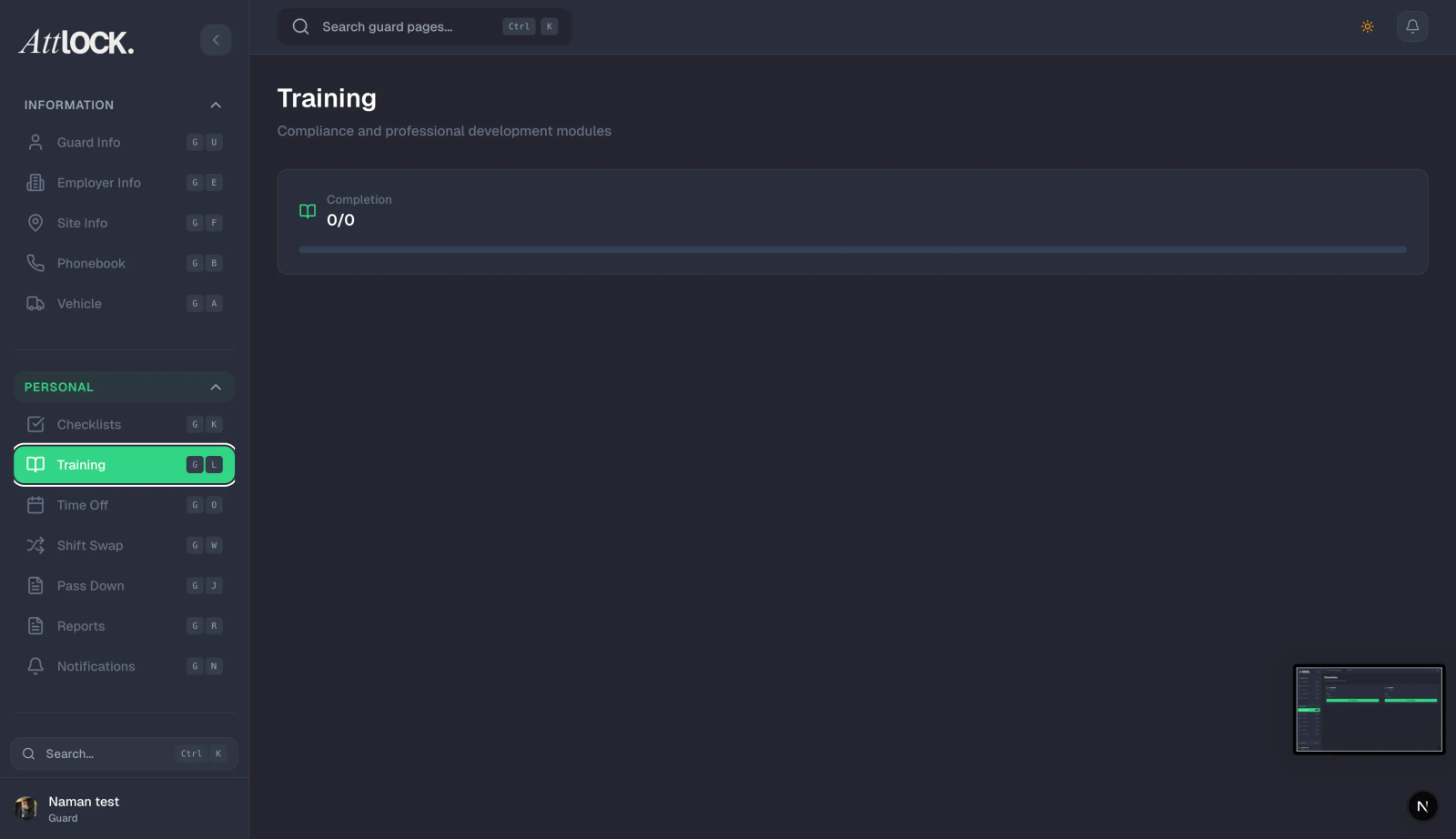
Navigate to Compliance → Compliance in the sidebar.
The dashboard provides an overview of:
- Overall compliance score.
- Training completion rates.
- Certification status across the team.
- Upcoming deadlines.
Policies
Navigate to Compliance → Policies.
Creating a Policy
- Click Create Policy.
- Fill in:
- Title
- Category: Safety, Conduct, Uniform, Equipment, Emergency, General
- Content — the full policy text.
- Version number.
- Save as Draft or Publish.
Policy Workflow
| Status | Meaning | -------- | --------- | Draft | Being written, not visible to guards | Published | Visible to guards, requires acknowledgment | Archived | No longer active |
|---|
Tracking Acknowledgments
When a policy is published, guards receive it in their mobile app. You can track:
- Which guards have acknowledged the policy.
- Which guards haven't yet.
- Acknowledgment timestamps.
Version Control
Update policies and increment the version number. Guards will be prompted to re-acknowledge updated versions.
Checklists
Navigate to Compliance → Checklists.
Creating a Checklist
- Click Create Checklist.
- Fill in:
- Title (e.g., "Opening Procedures")
- Type: Opening, Closing, Patrol, Maintenance, Safety, Other
- Site — assign to a specific site.
- Items — add checklist items with descriptions.
- Deadline (optional).
- Assign to guards.
- Save.
Tracking Completion
- View completion percentage per checklist.
- See which guards completed which items.
- Identify overdue checklists.
Checklist Analytics
Go to Compliance → Checklists → Analytics for:
- Completion rate charts.
- Site performance comparison.
- Guard compliance metrics.
- Missing task identification.
Training
Navigate to Compliance → Training.
Creating a Training Module
- Click Create Module.
- Fill in:
- Title
- Category: Safety, Compliance, Product Knowledge, Other
- Description
- Content — materials, videos, documents.
- Pass criteria (if applicable).
- Save.
Assigning Training
- Open a training module.
- Click Assign Guards.
- Select guards or assign to all.
- Set a due date.
- Guards receive a notification to complete the training.
Tracking Progress
- View enrollment count and completion percentage.
- See which guards completed, in-progress, or not started.
- Download completion certificates.
Certification Management
- Track guard certifications (Security Guard License, First Aid, CPR, etc.).
- Set expiry dates.
- Receive alerts when certifications are about to expire.
- Require re-certification training.
Post Orders
Navigate to Field Management → Post Orders.
Post orders are site-specific standing instructions:
- Click Create Post Order.
- Assign to a site.
- Write the instructions.
- Publish to guards.
- Guards acknowledge receipt in the mobile app.
Tips
- Publish policies early so guards have time to read and acknowledge.
- Set training due dates and follow up on overdue completions.
- Review certification expiry dates monthly to avoid compliance gaps.
- Use checklists for repeatable procedures — opening, closing, handover.
- Check the Compliance Dashboard weekly for an overall health check.
Related Articles
- Managing Guards
- Post Orders
- Reports & Analytics
- Audit Log