


Step-by-Step Guide:
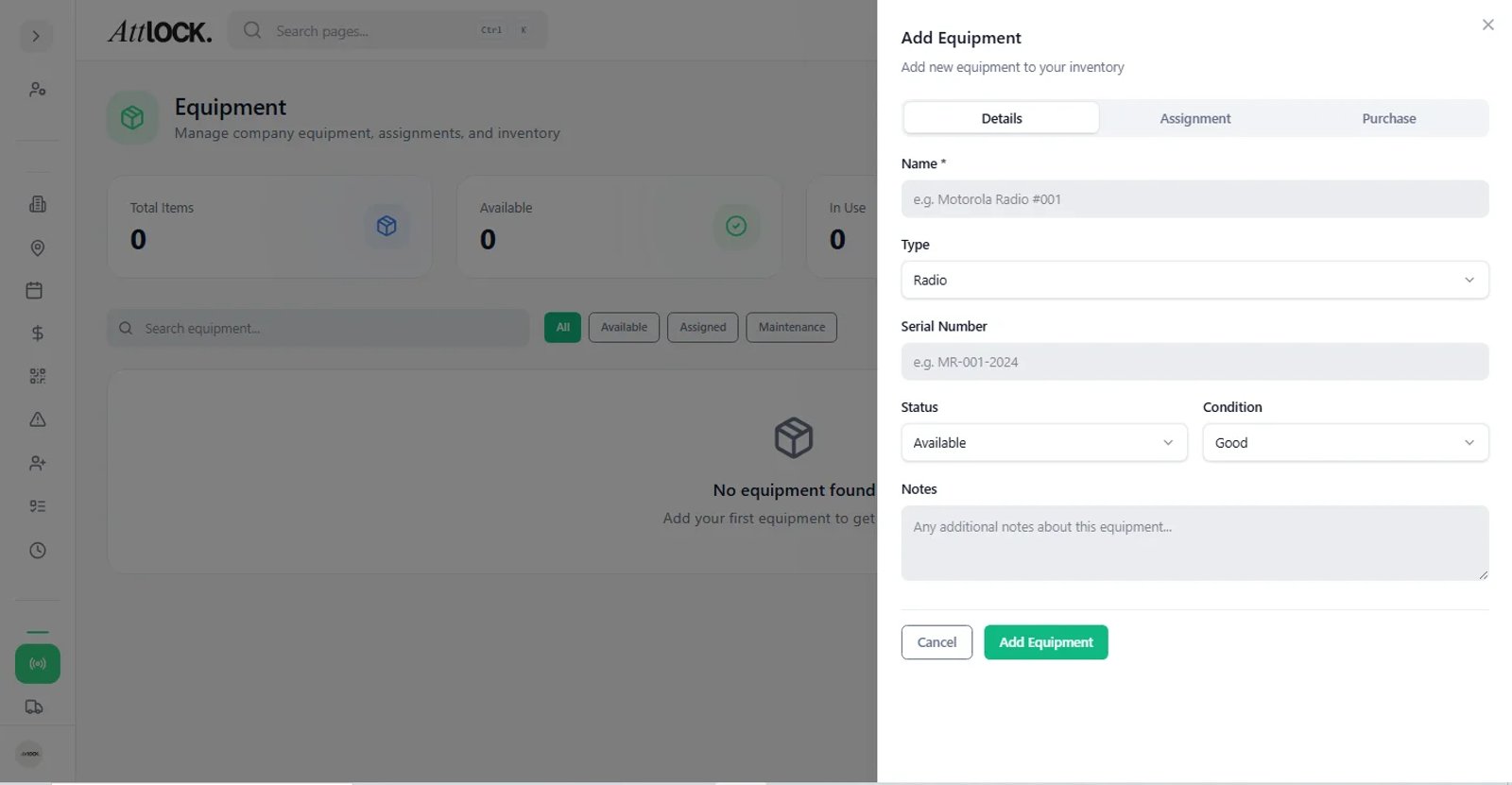
Add Vehicle:
- Go to Fleet Manager > Vehicles.
- Click + Add Vehicle and enter the Make, Model, License Plate, and VIN.
Assignment:
- Site Dedicated: Assign the vehicle to a specific site (it stays on property).
- Patrol: Assign the vehicle to a specific mobile patrol guard or route.
Maintenance Logs:
- Click the Maintenance tab.
- Log recent services (e.g., "Oil Change", "Tire Rotation").
- Set a Reminder Date for the next service to receive an alert when it is due.