


Step-by-Step Guide:
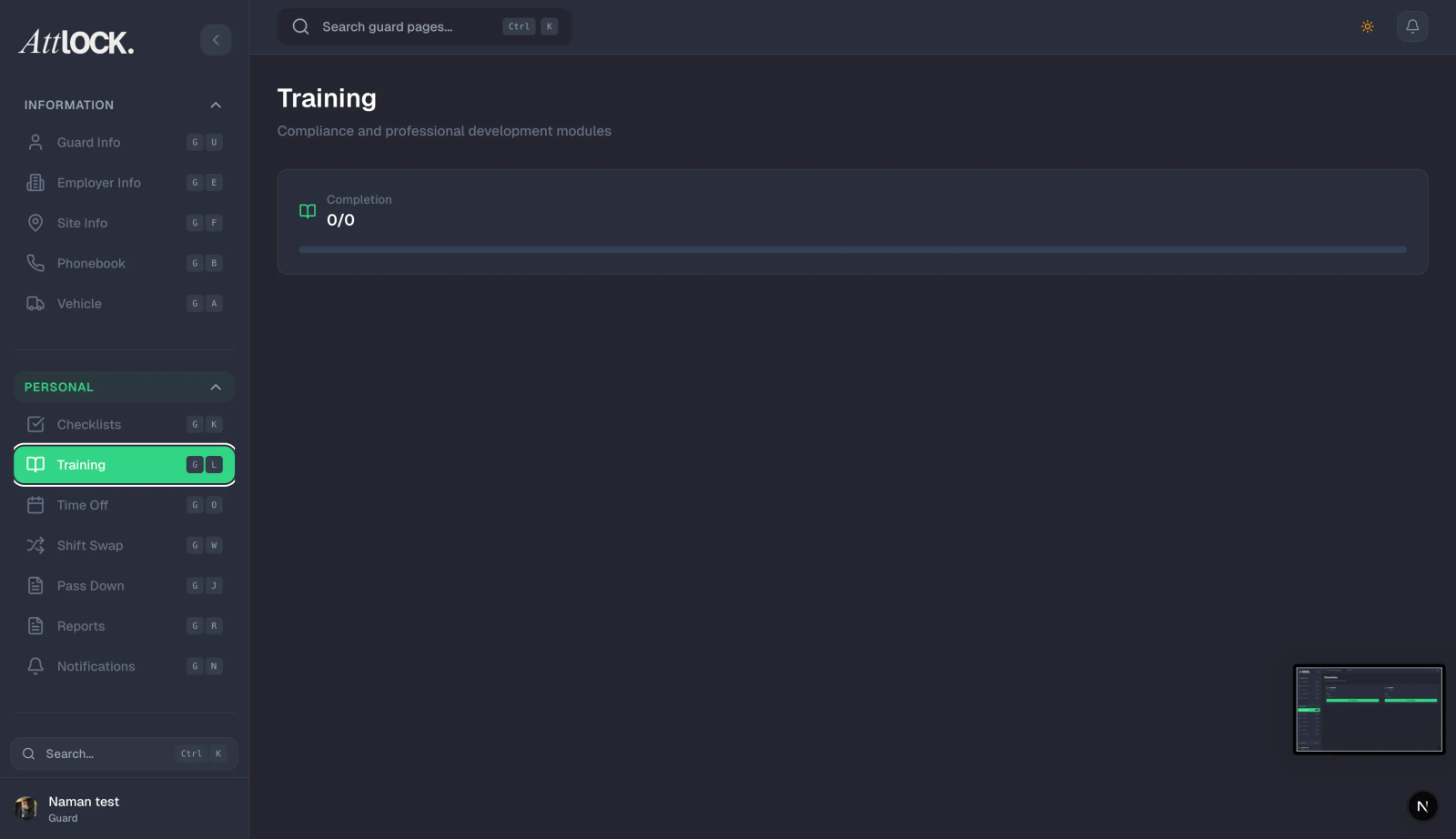
Create Module:
- Go to Team > Training.
- Click Create Module and give it a title (e.g., "Workplace Violence Prevention").
Add Content:
- Add text instructions, link YouTube videos, or upload PDF manuals.
Add Quiz (Optional):
- Create a multiple-choice quiz to verify understanding.
Assign:
- Select "All Staff" or specific guards.
Track:
- View the dashboard to see who has completed the module and their quiz score.