


User Roles and Permissions Overview
Role Definitions:
Admin Role
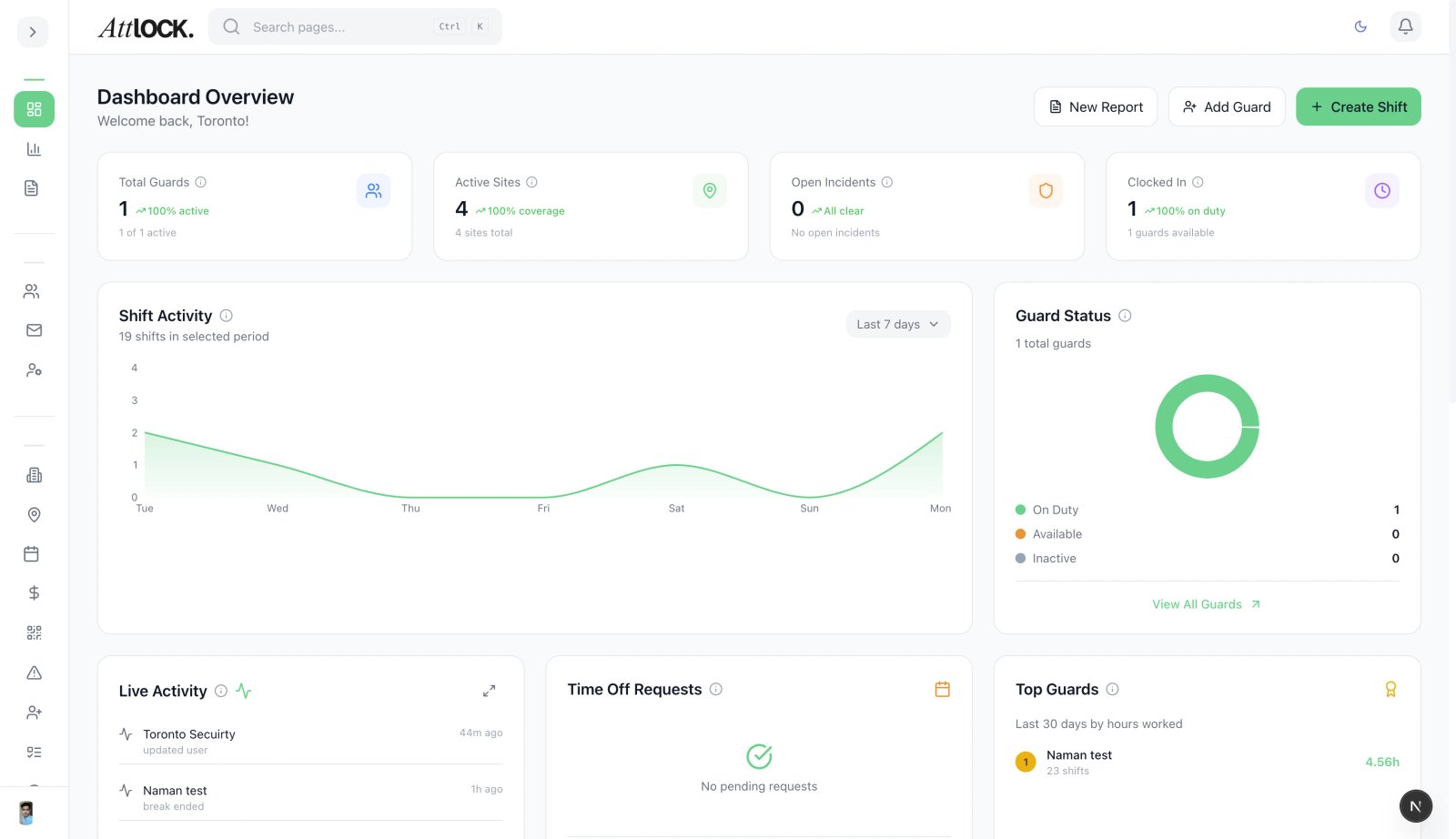
- Admin:
- Who: General Managers / Operations Directors.
- Access: Full operational access (Scheduling, Guards, Sites, Reports).
- Restrictions: Cannot access billing pages or subscription management.
Supervisor Role
- Supervisor:
- Who: Field Supervisors.
- Access: Can view schedules and reports for specific assigned sites. Primarily uses the Mobile Admin App.
- Restrictions: Cannot change global settings or permanently delete data.
Dispatcher Role
- Dispatcher:
- Who: Command Center Staff.
- Access: Read/Write access to the Live Map and Incident dashboard. Can assign emergency shifts.
- Restrictions: Cannot edit Guard HR profiles or pay rates.
Guard Role
- Guard:
- Who: Security Officers.
- Access: Mobile App only. Can only see their personal schedule and assigned site instructions.