


About Page & App Version Info
The About page gives you quick access to your Attlock platform version, build details, and license information. This is useful when contacting support or verifying you're running the latest version.
Accessing the About Page
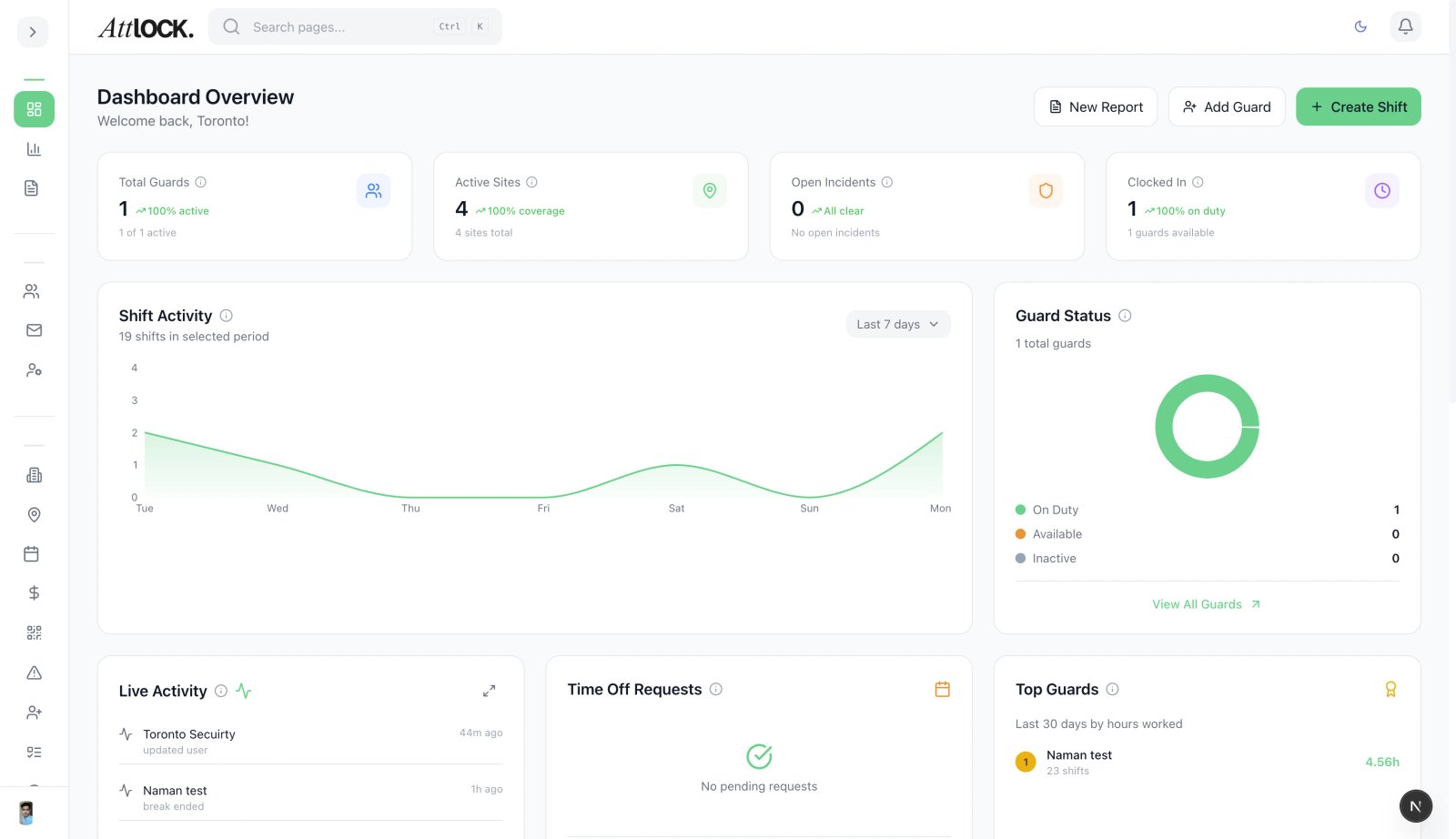
- Open the admin sidebar
- Scroll to the bottom and click About Attlock
- The About page displays immediately
What You'll See
Version Information
- App Version — The current version number of your Attlock dashboard
- Build Number — The specific build identifier for troubleshooting
- Last Updated — When your instance was last updated
License Details
- License Type — Your current subscription plan (Starter, Professional, or Enterprise)
- License Status — Whether your license is active and valid
- Company Name — The registered company on the account
System Status
- Platform Status — Current uptime and service health
- Connection Status — Whether your browser has a stable connection to Attlock servers
When to Check the About Page
- Before contacting support — Support agents will ask for your version number
- After an update — Verify the update applied successfully
- Troubleshooting issues — Check if your version is outdated
Tips
- Bookmark the About page for quick access during support calls
- If your version is behind, try refreshing your browser to get the latest update
- Enterprise customers can contact their account manager for scheduled update windows
- The keyboard shortcut G then F opens the About page instantly