


Objective
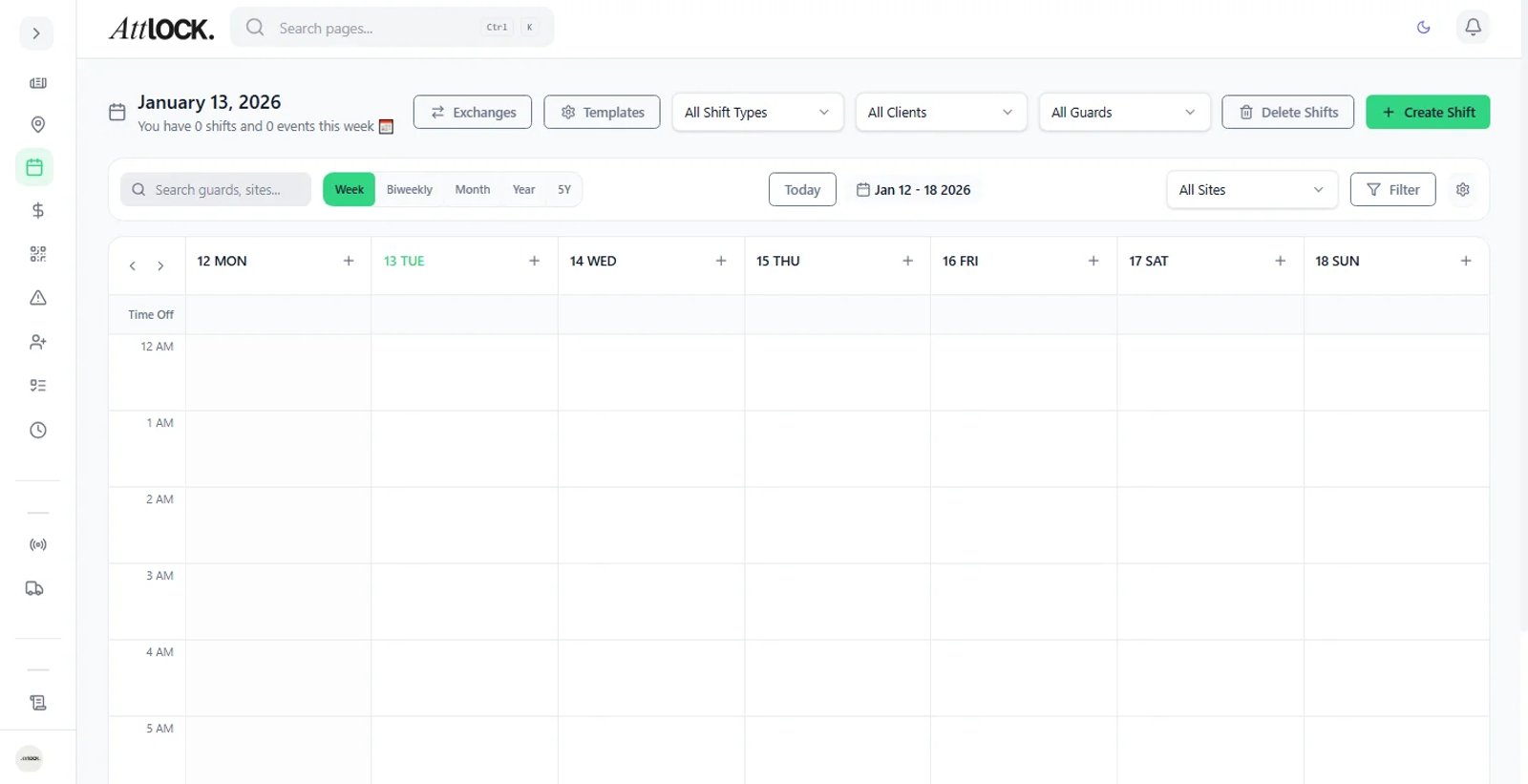
Manage vacation and sick leave requests while ensuring site coverage.
Step-by-Step Guide
View Requests
Go to Team > Time Off.
Click on the "Pending Requests" tab.
Review Details
View the Guard's name, requested dates, and the reason provided.
Conflict Check
The system will automatically highlight if the guard is currently scheduled during the requested times.
Action
Approve: Automatically removes the guard from any conflicting shifts (converting them to "Open Shifts").
Deny: Sends a notification to the guard with a reason for the denial.