


Objective
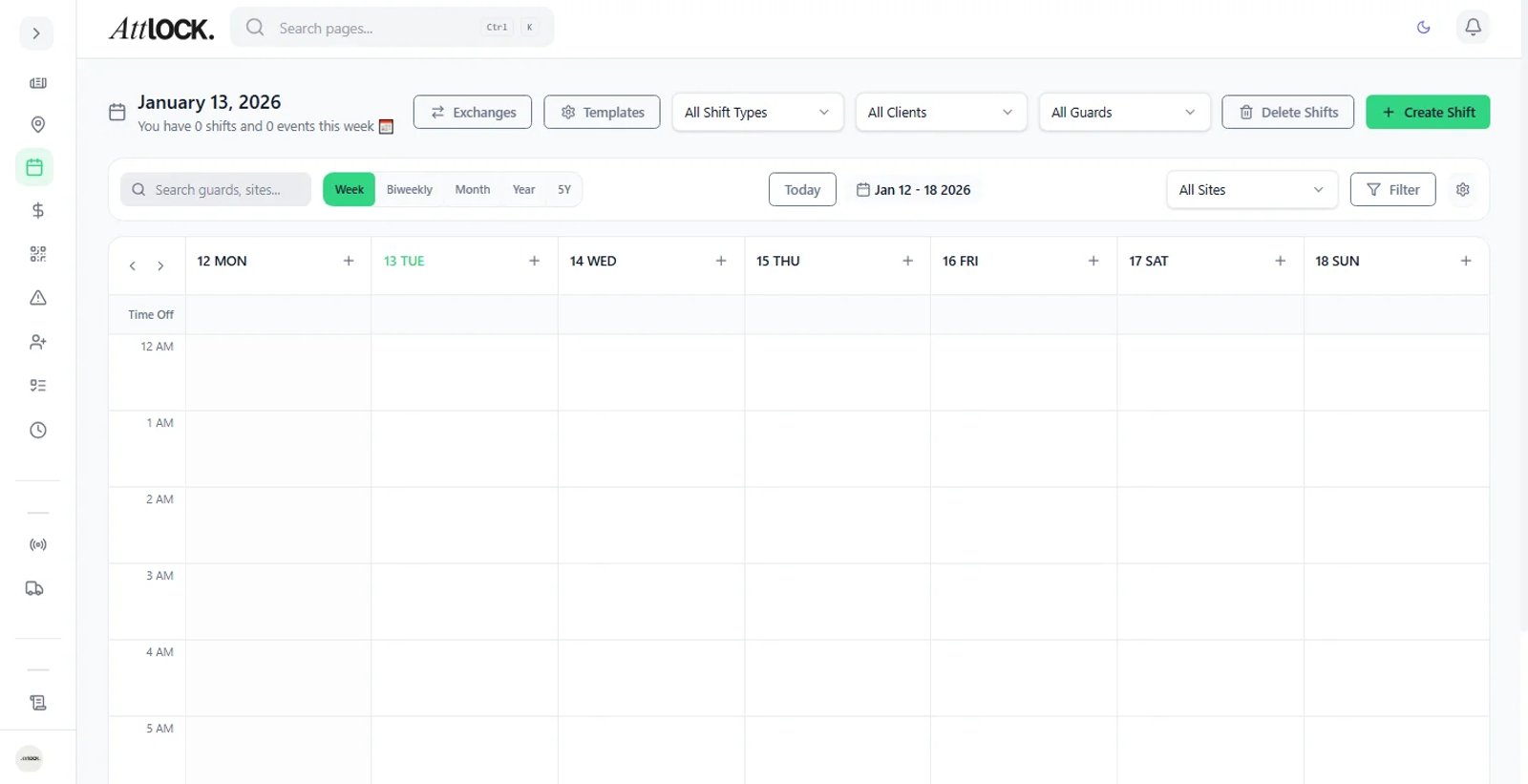
Quickly generate recurring schedules for long-term contracts (e.g., "Monday-Friday, 9-5" for the next 6 months).
Step-by-Step Guide
Open Bulk Tool
Click Bulk Create on the Scheduler toolbar.
Define Pattern
Days: Select the recurring days (e.g., Mon, Tue, Wed, Thu, Fri).
Time: Set the shift hours (e.g., 09:00 to 17:00).
Duration: Set the Start Date and End Date (e.g., until Dec 31st).
Assignee
Select a specific guard or leave it as "Open Shift."
Generate
Click Generate Shifts.
Review the preview for any conflicts, then click Publish to finalize.