


Step-by-Step Guide:
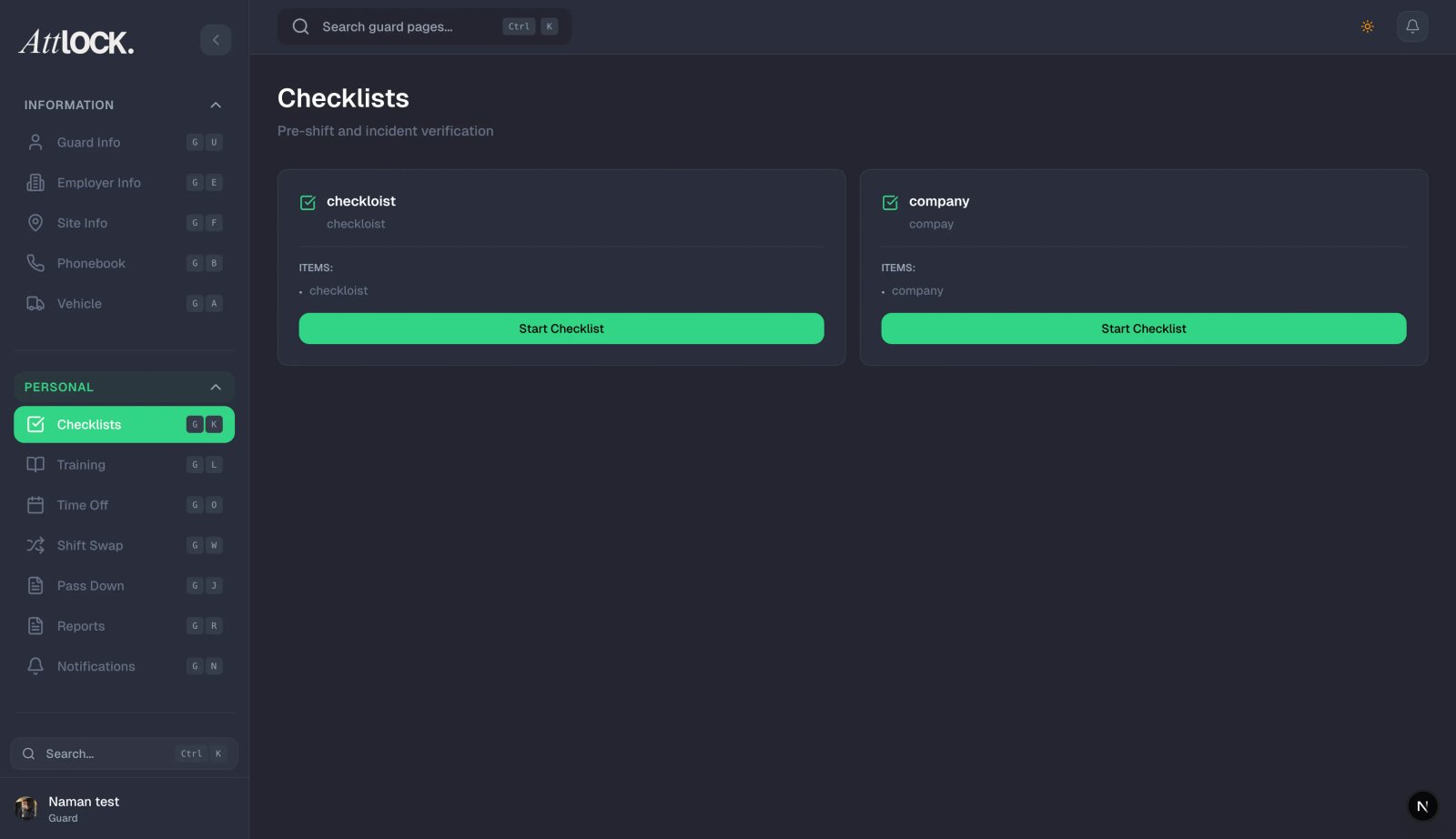
Create Template:
- Go to Reporting > Templates.
- Click Create Form.
Design Fields:
- Drag and drop elements to build your form:
- Yes/No Toggle: (e.g., "Is the perimeter clear?")
- Text Input: (e.g., "Odometer Reading")
- Photo Upload: Mark as "Required" or "Optional".
- Signature Box: For guard sign-off.
- Drag and drop elements to build your form:
Assign & Trigger:
- Assignment: Select the Sites where this form should appear.
- Trigger: Set when this form appears (e.g., "On Clock In" for Vehicle Inspections, or "On Demand" for general reports).