


Objective
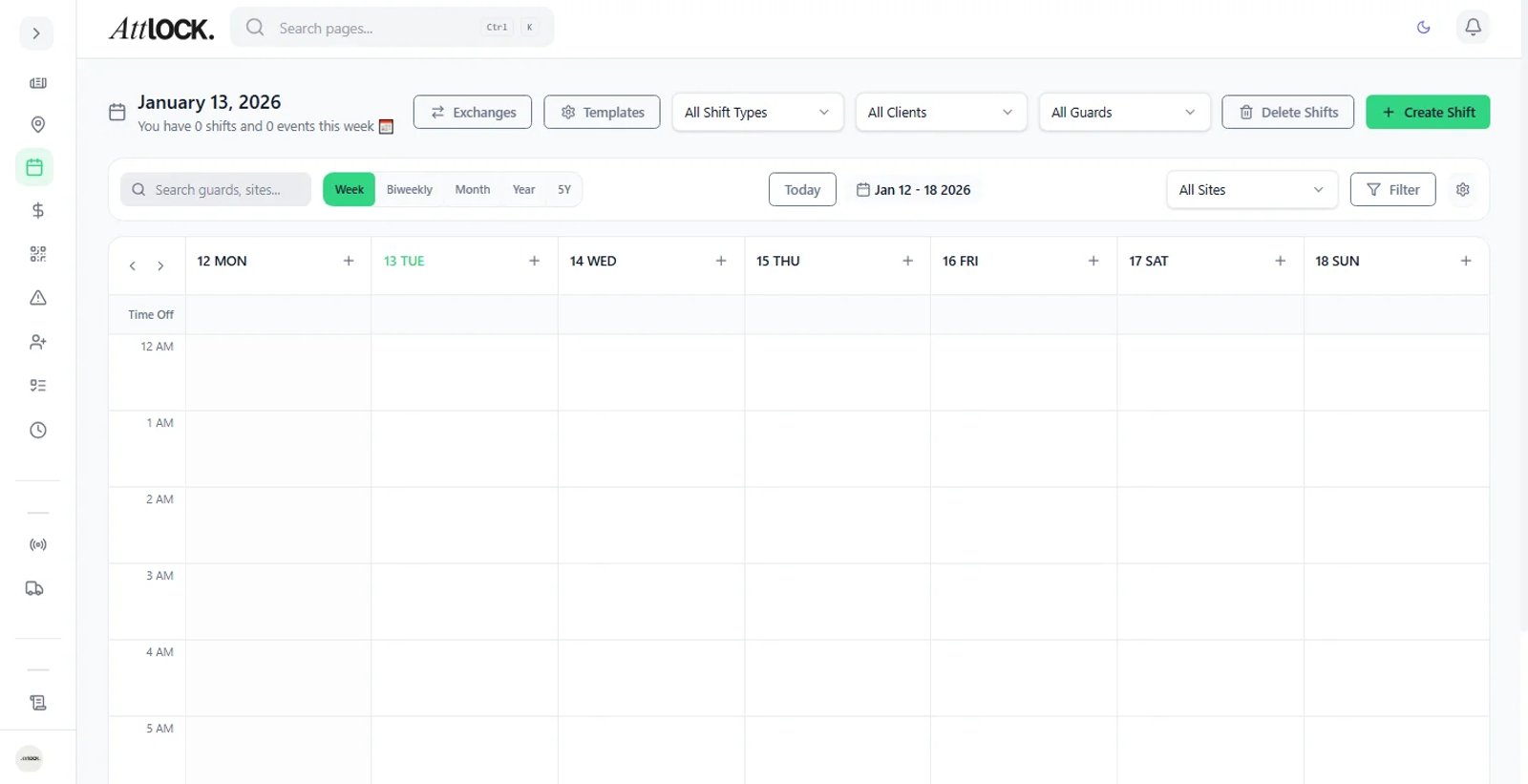
Finalize the schedule and instantly notify your team of their upcoming work hours.
Step-by-Step Guide
Identify Drafts
On the Scheduler, "Draft" shifts appear striped or greyed out. These are invisible to guards.
Publish
Click the Publish button at the top right of the calendar.
Define Scope
Select "This Week" to publish everything in the current view, or "Selected Shifts" to publish specific items.
Send Notifications
Check the box for "Send Notifications to Guards".
Choose your delivery method:
- Push Notification
- SMS
Confirm
Click Confirm. Guards will instantly receive their schedule in the mobile app.