


Objective
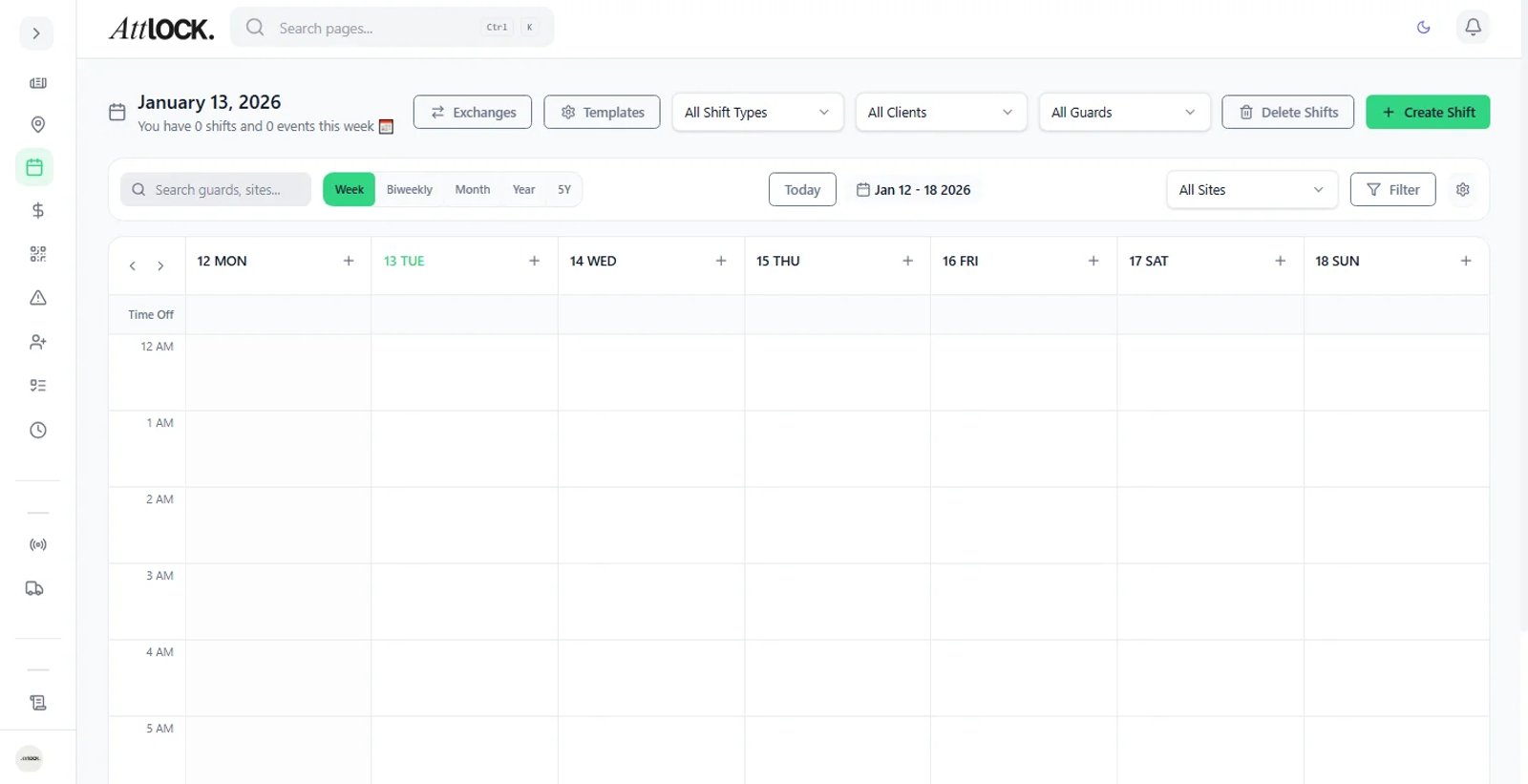
Allow guards to trade shifts among themselves without administrative headaches, subject to your final approval.
Step-by-Step Guide
Enable Swaps
Ensure "Allow Shift Swaps" is enabled in your General Settings.
Guard Process
Guard A requests a swap for a specific date in the app.
Guard B accepts the swap request on their device.
Admin Review
Navigate to Scheduling > Shift Swaps.
Review the details. Tip: Check if the swap triggers overtime for Guard B or changes the cost basis.
Action
Click Approve. The schedule updates automatically for both guards.