


Step-by-Step Guide:
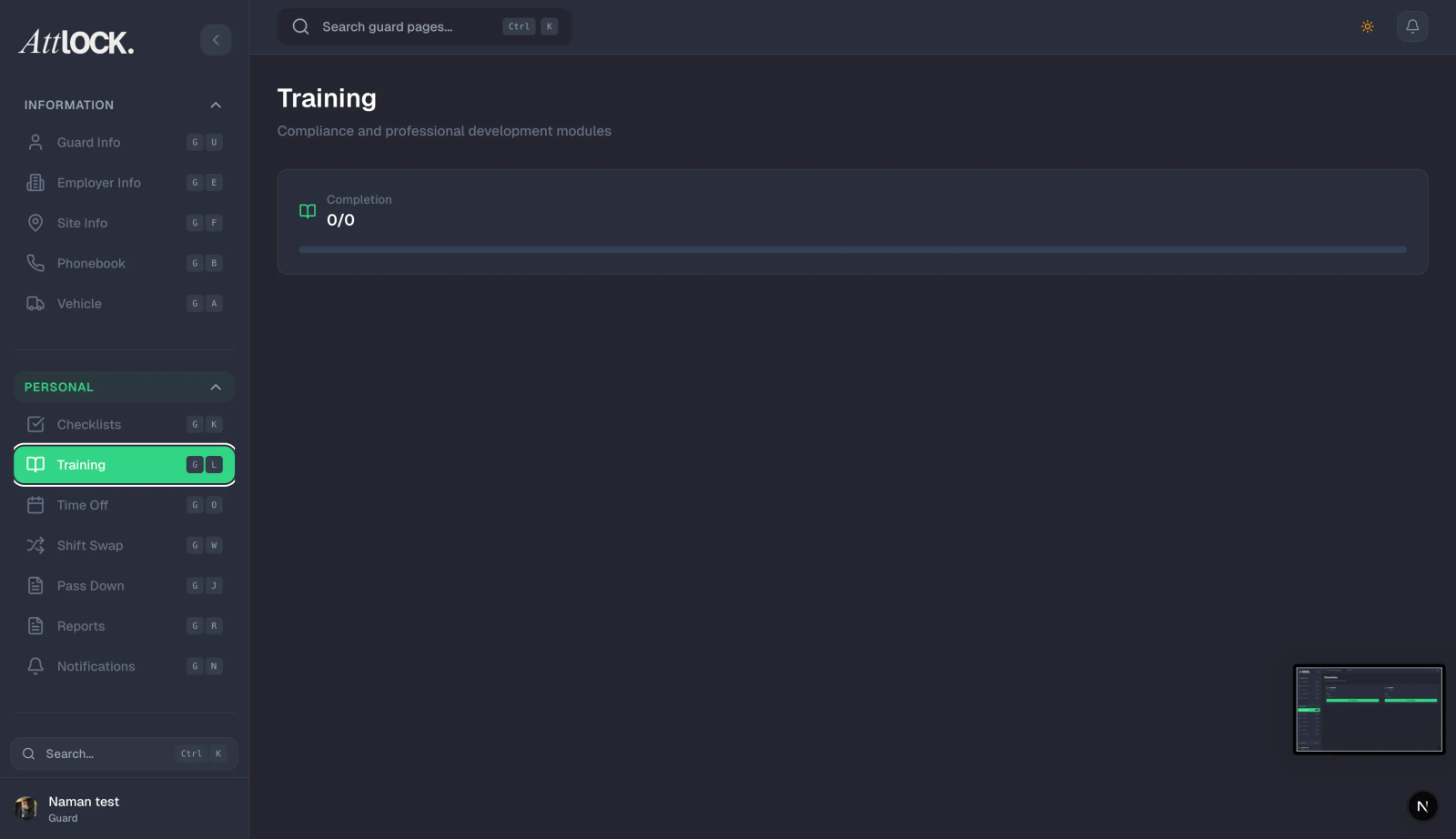
Access Guard Profile:
- Open a specific Guard’s profile and click the Licenses tab.
Add License:
- Select the type (e.g., "Security Guard Card", "First Aid", "Firearms Permit").
- Enter the ID number (if applicable).
Set Expiry:
- Expiry Date: Enter the date valid until. Crucial: The system will automatically alert you 30 days before this date.
Enforcement:
- Toggle "Block Scheduling on Expiry" to ON.
- Result: The scheduler will prevent you from assigning shifts to this guard if their license has expired.