


Objective
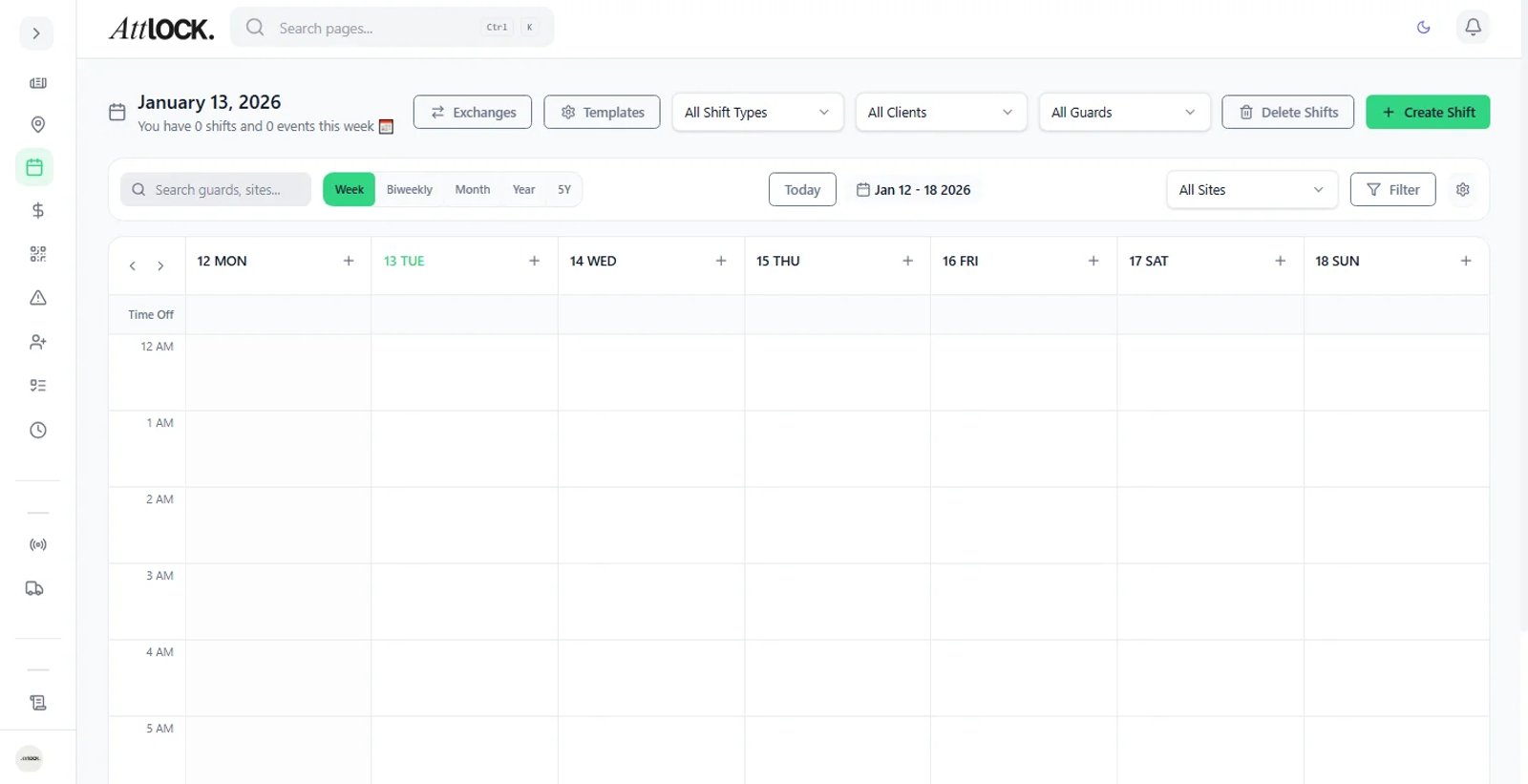
Fill vacant shifts by allowing eligible guards to "bid" on or claim them via the mobile app.
Step-by-Step Guide
Create an Open Shift
Create a shift as usual (see Article: Creating a New Schedule), but leave the "Guard" field blank.
Toggle the option for Open / Bid Board.
Set Eligibility (Optional)
You can restrict visibility to specific groups, such as "Guards who have worked this site before."
Publish
Publish the schedule. Eligible guards will see these slots under "Available Shifts" in their app.
Approve Claim
When a guard clicks "Claim," you will receive a notification.
Click Approve to finalize the assignment or Deny to keep it open for others.