


Step-by-Step Guide
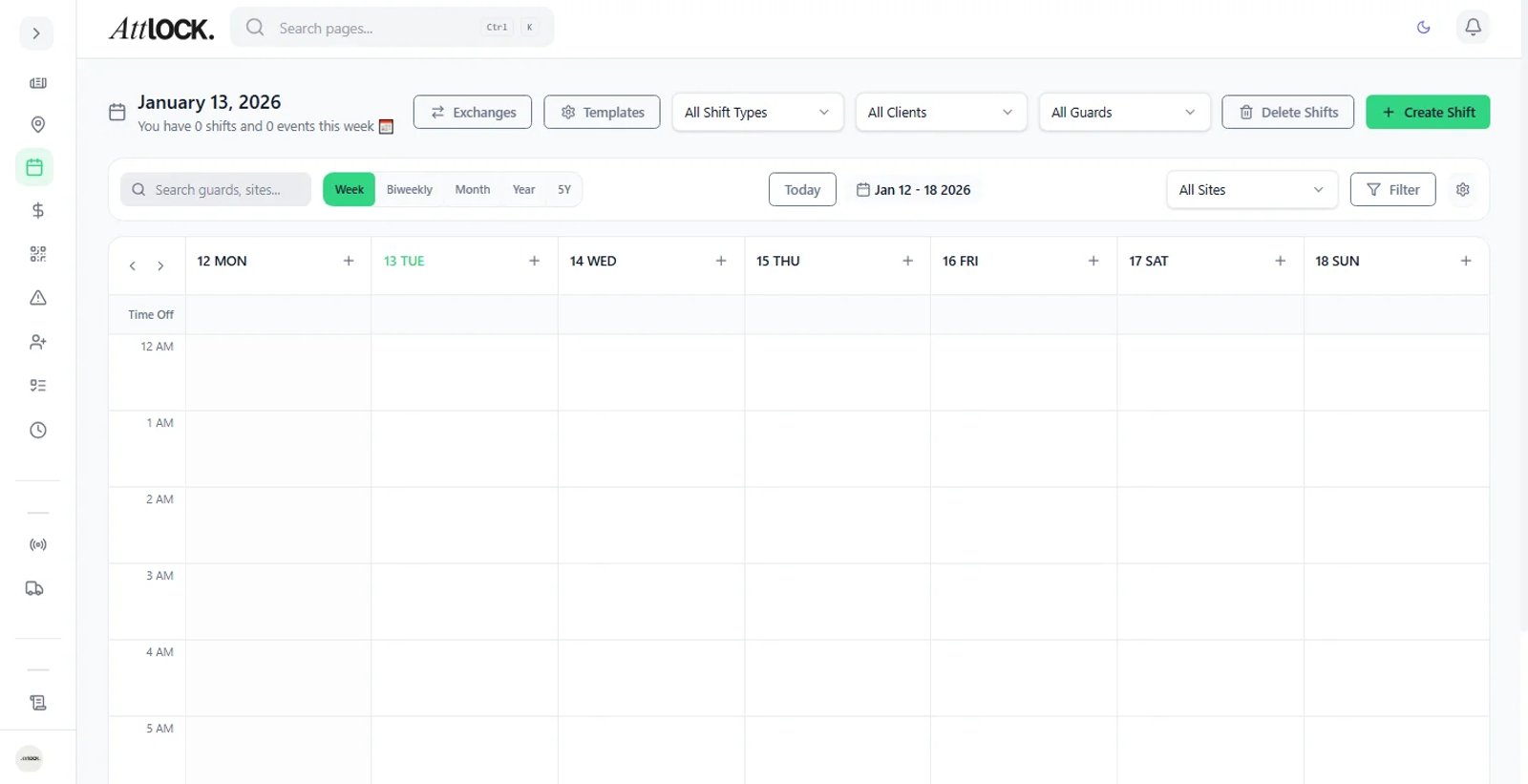
Identify Alerts
On the Scheduler, look for Red Warning Icons on specific shifts.
Analyze the Conflict
Hover over the icon to see the specific error:
Double Booking: The guard is already working another shift at the same time.
Overtime Risk: This shift puts the guard over the weekly threshold (e.g., 40 hours).
Time-Off: The guard has an approved leave request for this date.
Resolve
Drag and drop the shift to a different guard or edit the shift times to remove the conflict.