


Step-by-Step Guide:
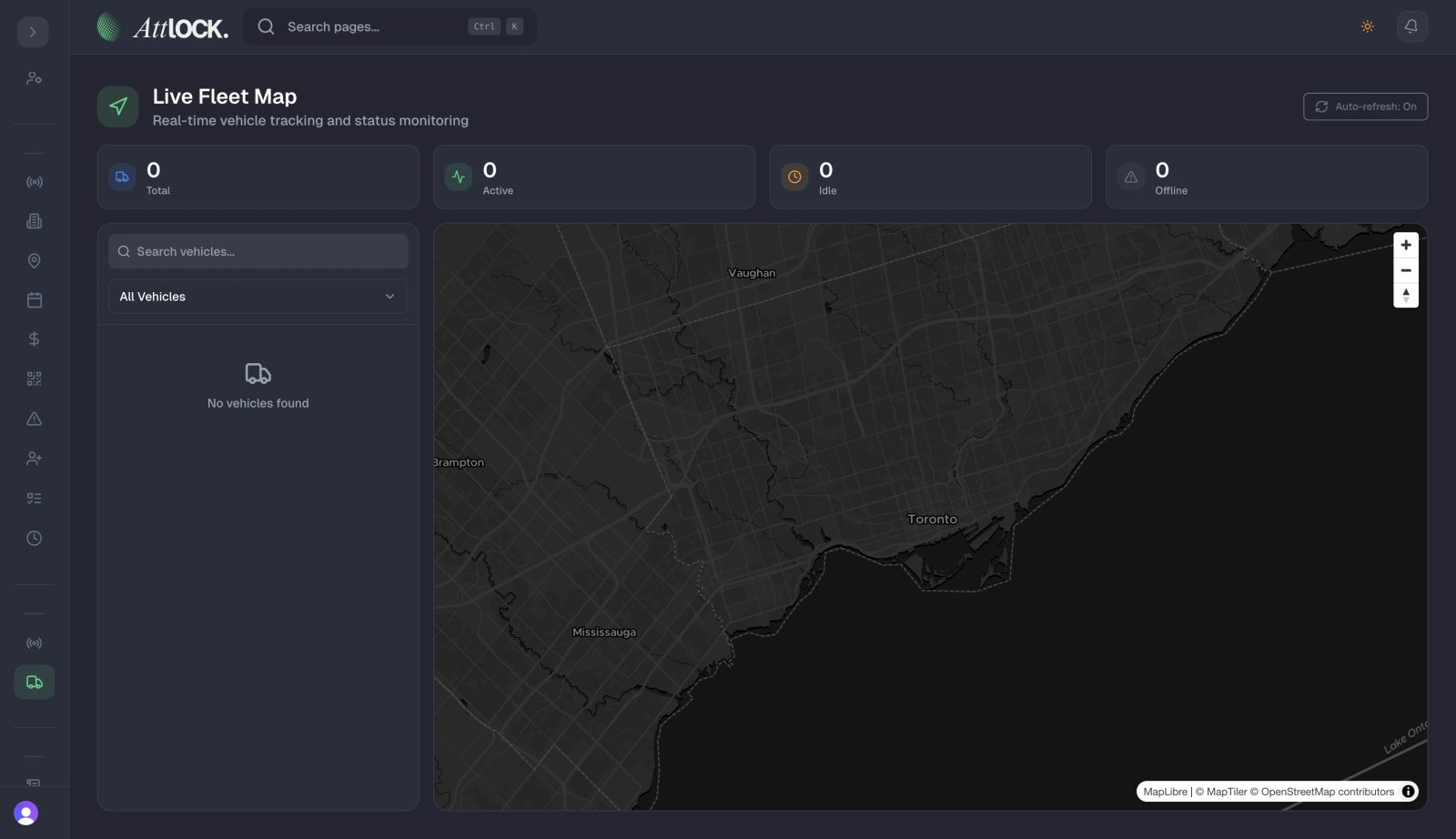
Open Command Center:
- Navigate to the Command Center dashboard.
- Locate the "Active Patrols" panel.
Understand Indicators:
- Green: Patrol is in progress and on schedule.
- Yellow: Patrol is in progress but running slower than expected.
- Red: A checkpoint was missed, or the patrol is significantly overdue.
Deep Dive:
- Click on any active patrol to view a timeline map showing exactly which checkpoints have been hit so far.