


Step-by-Step Guide:
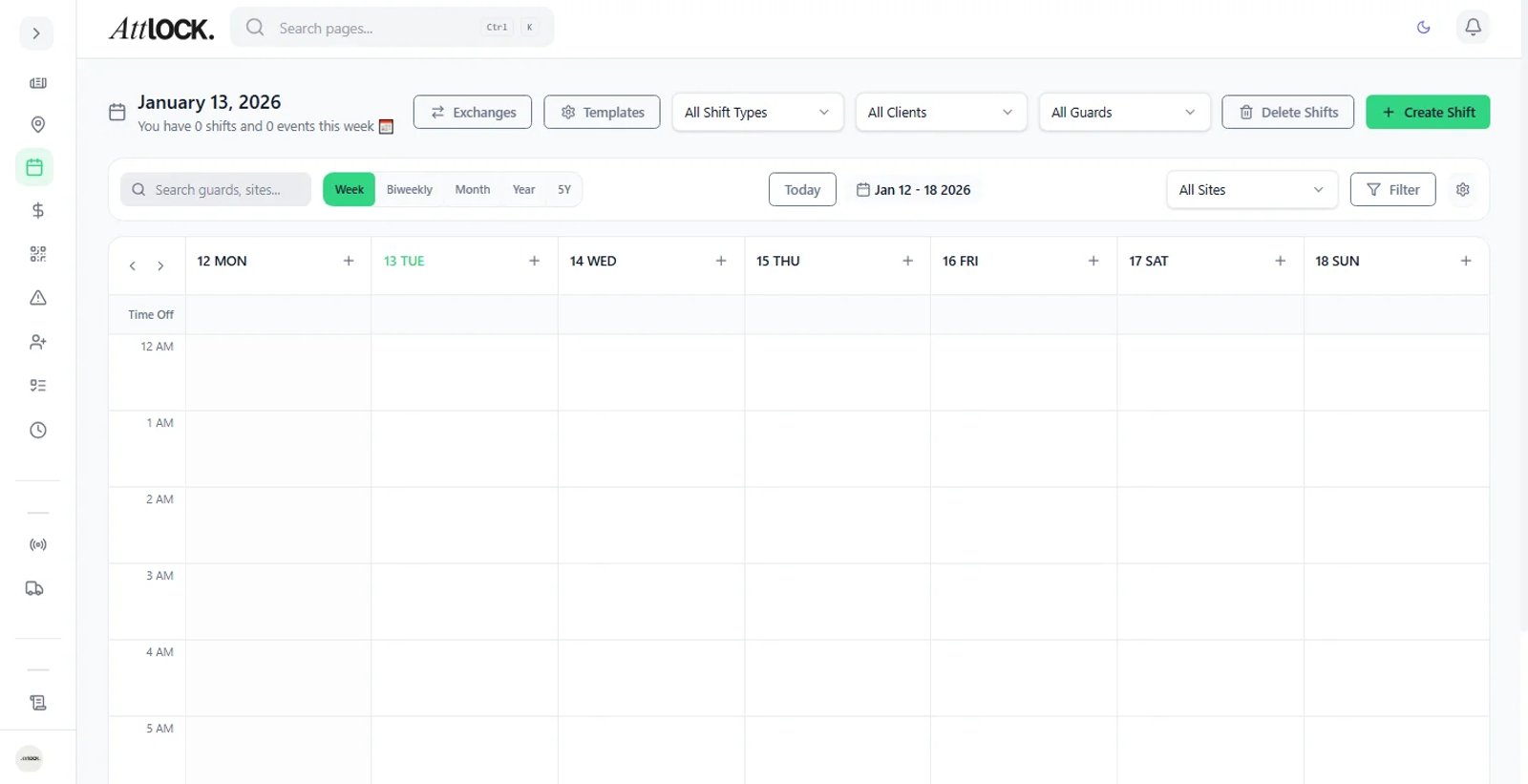
Create Run Sheet:
- Go to Scheduling > Run Sheets.
- Click Create Run Sheet and name it (e.g., "North City Night Patrol").
Add Stops:
- Add specific Sites to the list in the order they should be visited.
Define Tasks:
- For each stop, define the requirement (e.g., "Perimeter Check - 10 mins").
Assign:
- Assign the Run Sheet to a specific Guard or Vehicle.
- Result: The mobile app will guide the guard from Site A to Site B, providing navigation and instructions for each stop.