


How to Invite Administrators and Staff
Invitation Process
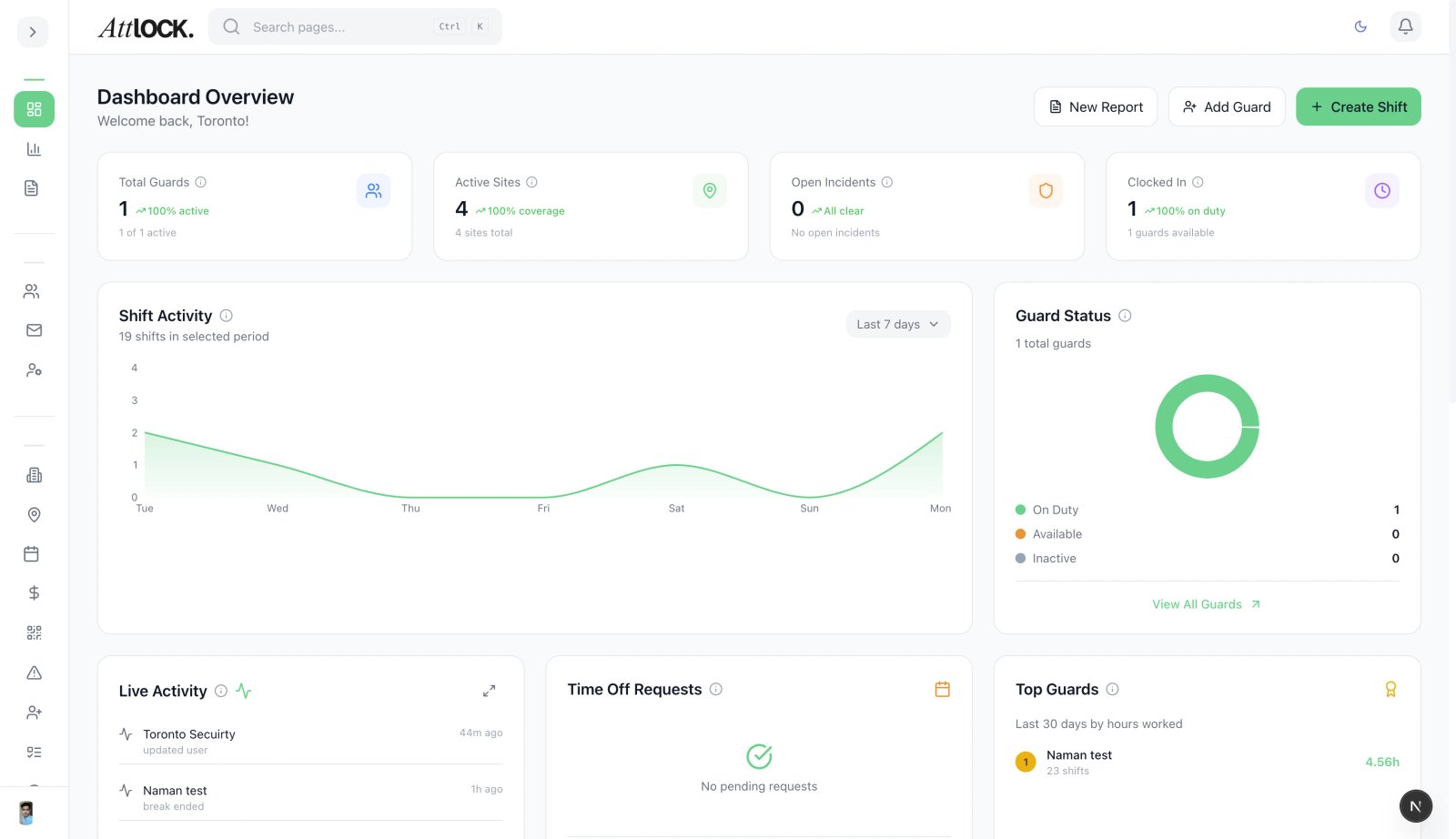
Step-by-Step Guide:
- Access Team Management:
- Go to Team > Administrators.
- Click the + Invite Admin button.
- Enter User Details:
- Email Address: (Required) This will serve as their unique username.
- Full Name: Enter their name for internal logs.
- Assign Role:
- Select the appropriate level of access: Super Admin, Admin, or Dispatcher. (See Article 4 for detailed definitions).
- Send Invite:
- Click Send Invitation.
- The user will receive an automated email containing a secure link to set their password.