


Getting Started
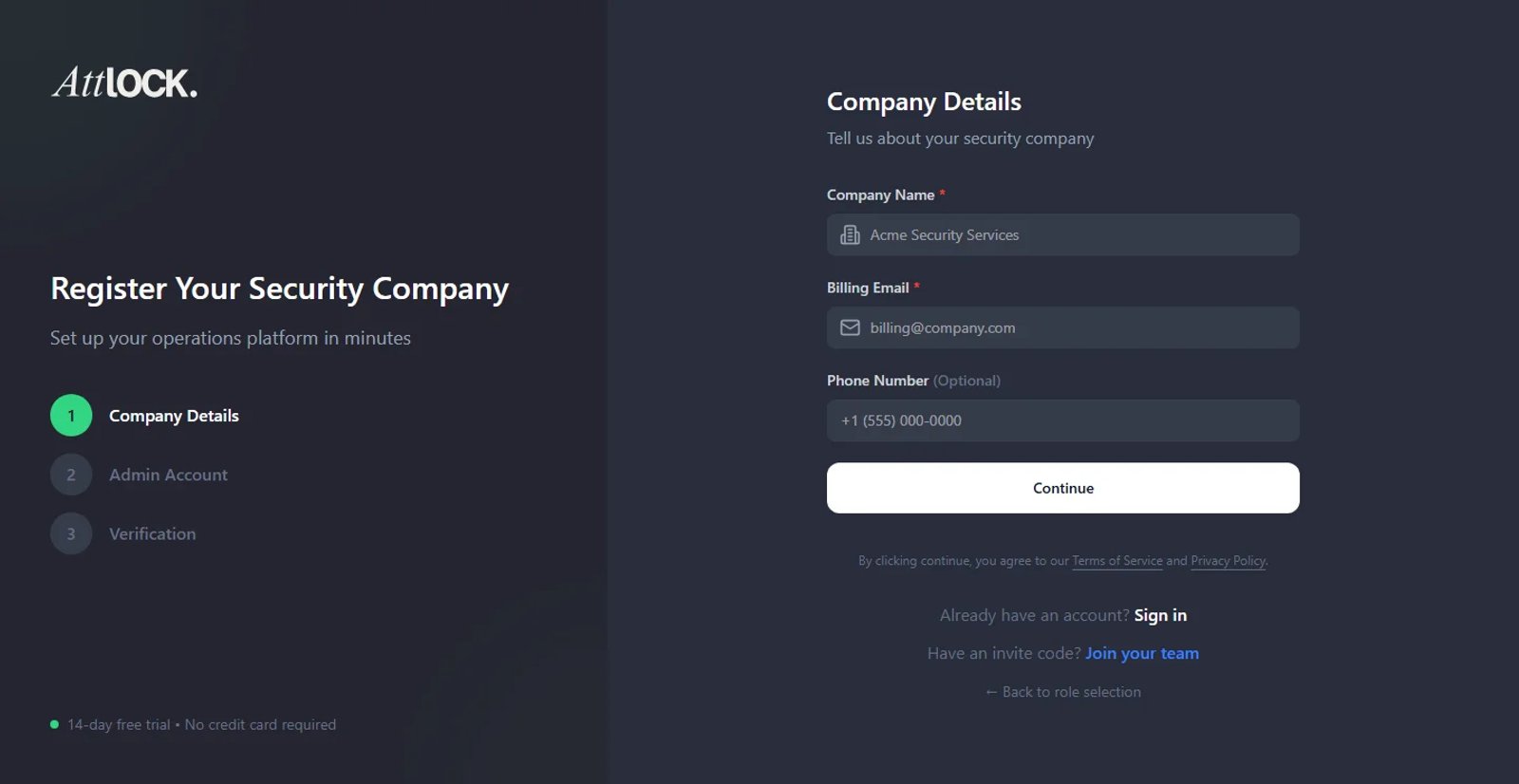
- Navigate to Settings > Company Profile.
Company Information
- Company Details: Enter your legal Company Name, Tax ID (if applicable), and primary support phone number.
Customizing Your Brand
- Branding:
- Logo: Upload a high-resolution PNG or JPG (recommended 500x500px). This logo will appear on all PDF reports and the Client Portal.
- Theme Color: Select your primary brand color using the color picker. This accents buttons and headers in the Client Portal.
Regional Settings
- Localization:
- Time Zone: Set your corporate HQ time zone. Note: Site-specific time zones can be configured later.
- Currency: Select your billing currency (e.g., USD, CAD, GBP).
- Date Format: Choose your preferred display format (e.g., MM/DD/YYYY or DD/MM/YYYY).
Saving Your Configuration
- Click Save Changes.
Tip: Your "Company Name" is what guards will see when they log in to the mobile app.