


Managing Vendors
The Vendors page lets you track third-party service providers who support your security operations — from uniform suppliers to vehicle maintenance companies.
Accessing Vendors
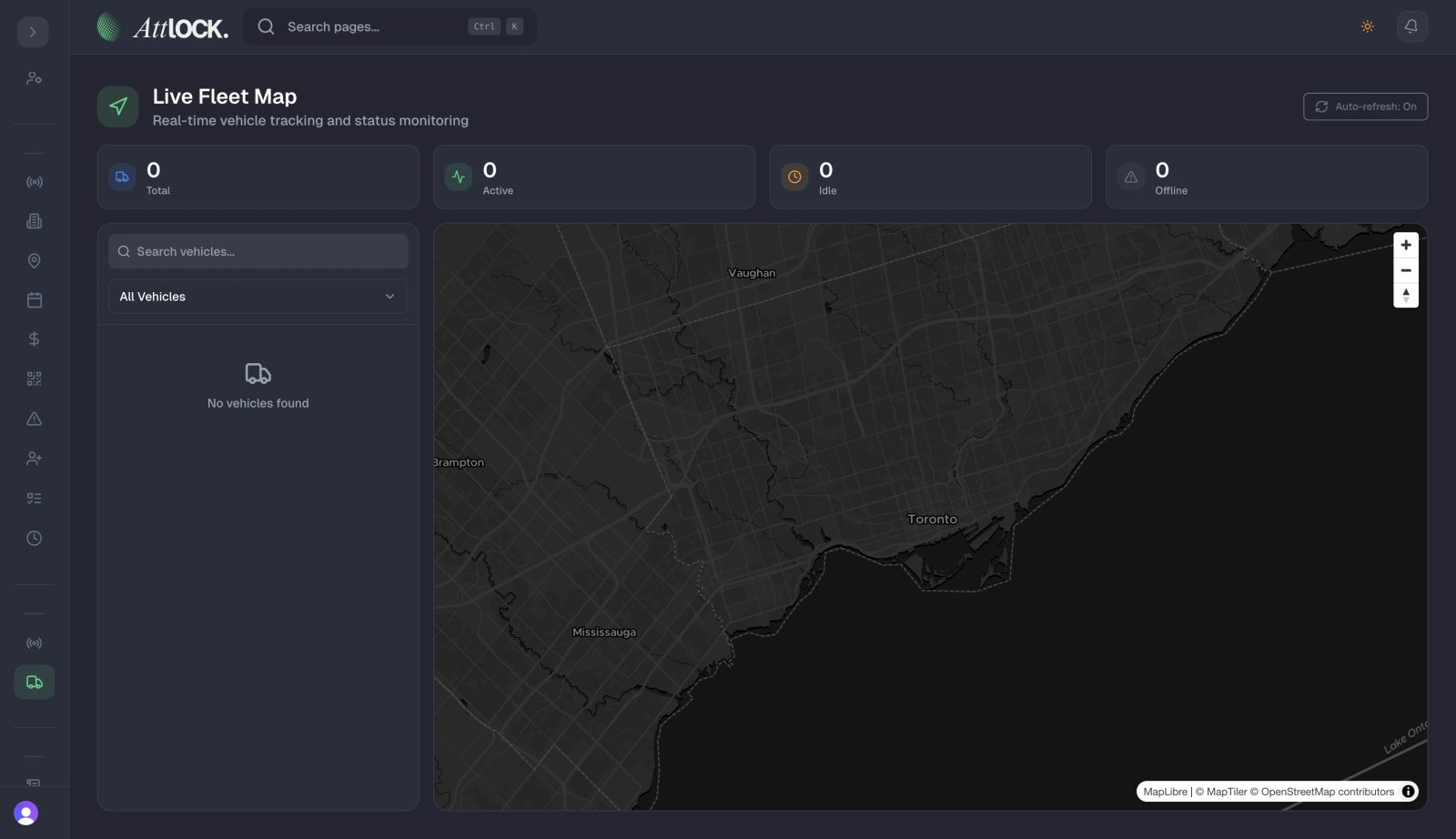
- Navigate to Facility & Fleet > Vendors in the sidebar.
- View all registered vendors.
Adding a Vendor
- Click Add Vendor.
- Fill in:
- Company Name — Vendor's business name.
- Contact Name — Primary contact person.
- Email — Contact email.
- Phone — Contact phone number.
- Address — Business address.
- Services — What services they provide.
- Notes — Additional information.
- Click Save.
Vendor Details
Each vendor record includes:
- Contact information.
- Service capabilities.
- Contract details.
- Payment terms.
- Performance notes.
Tips
- Keep contact info current — Update vendor records when contacts change.
- Document service capabilities — Know which vendor to call for each need.
- Track contract expiry dates — Renegotiate before contracts lapse.
Related Articles
- Tracking Equipment Across Sites
- Using the Fleet Dashboard
- Processing Payroll Runs