


Managing Parking
The Parking Manager helps you manage parking spaces, track reservations, and monitor parking violations across your sites.
Accessing Parking Manager
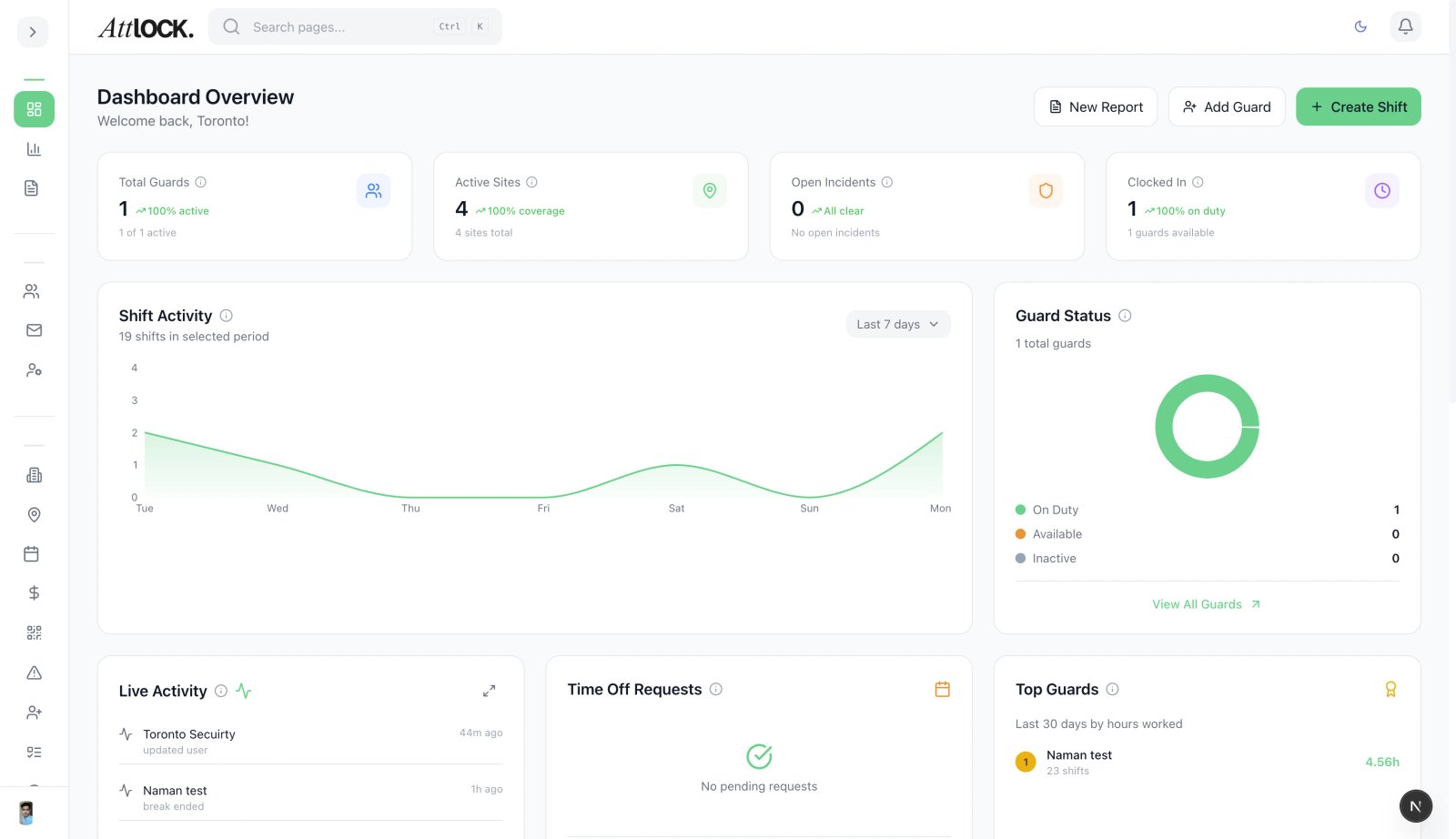
- Navigate to Facility & Fleet > Parking Manager in the sidebar.
Features
Parking Space Management
- View all parking spaces across sites.
- Track occupancy in real-time.
- Mark spaces by type (Reserved, Visitor, Disabled, Loading).
Reserved Parking
- Select a parking space.
- Click Reserve.
- Assign to a guard, client, or visitor.
- Set the reservation period.
Violation Tracking
- Click Report Violation.
- Fill in:
- Space number.
- Vehicle description/plate.
- Violation type (unauthorized parking, overtime, blocking).
- Photo evidence.
- Submit the violation.
Tips
- Label spaces clearly to reduce violations.
- Review violations weekly to identify repeat offenders.
Related Articles
- Creating a New Site
- Using the Fleet Dashboard
- Managing Visitors