


Managing Help Center Content
The Help Center content management area lets you create and maintain the help articles your guards, clients, and other admins see when they visit the Attlock Help Center. You can also manage incoming support tickets from this same area.
Accessing the Help Center Admin
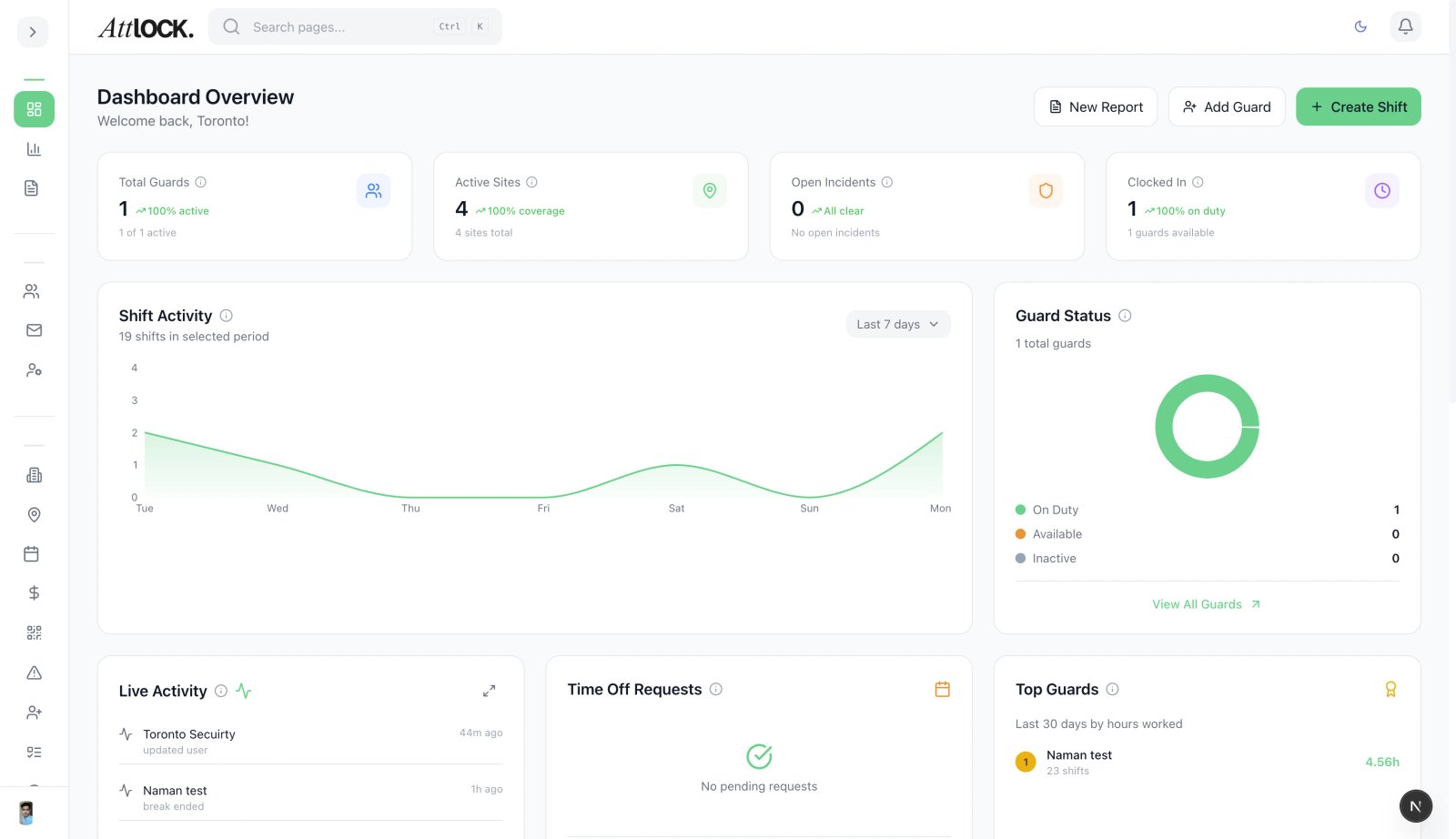
- Open the admin sidebar
- Navigate to Help CMS under the Settings section
- The Help Center management page loads with two main tabs: Articles and Support Tickets
Managing Articles
Creating a New Article
- Click the New Article button in the top-right corner
- Enter the article title, which also generates the URL-friendly slug automatically
- Write or paste your article content using the rich text editor
- Select a Category to organize the article (e.g., Getting Started, Scheduling, Guard Management)
- Choose which Roles can see the article — Admin, Supervisor, Guard, or Client
- Set the article status: Draft, Published, or Archived
- Click Save to store the article
Editing an Existing Article
- Find the article in the list using the search bar or category filter
- Click the article title to open the editor
- Make your changes to the title, content, category, or role visibility
- Click Save to apply updates — changes appear immediately for published articles
Article Statuses
- Draft — The article is saved but not visible to users. Use this for work-in-progress content
- Published — The article is live and visible to users with the assigned roles
- Archived — The article is hidden from users but preserved for reference. Useful for outdated content you may want to restore later
Organizing with Categories
Articles are grouped into categories that help users find what they need. The current categories include:
- Getting Started & Company Configuration
- Scheduling & Workforce Management
- Field Operations & Patrols
- Guard Management & HR
- Sites & Client Management
- Guard Mobile App
- Client Portal
Each article belongs to exactly one category. Choose the category that best matches the article topic.
Search and Filter
Use the search bar at the top of the articles list to find articles by title or content keywords. You can also filter by:
- Category — Show only articles in a specific category
- Status — Show only Draft, Published, or Archived articles
- Role — Show articles visible to a specific user role
Managing Support Tickets
The Support Tickets tab shows all incoming help requests from users.
- Click on a ticket to view the full message and any attachments
- Assign the ticket to a team member using the Assign dropdown
- Reply directly to the user from the ticket detail page
- Change the ticket status: Open, In Progress, Resolved, or Closed
- Use canned responses for common questions to save time
Tips
- Keep articles concise and focused on a single topic
- Use clear headings and numbered steps for how-to content
- Review and update articles quarterly to keep information current
- Archive rather than delete — you may need the content again