


Responding to Fire Alarms and Evacuations
This article is for Security Guards.
Fire alarms and evacuations are among the highest-stakes situations you'll face on the job. A fast, calm, and organized response can save lives. This guide outlines the standard response procedure for security guards and explains how to document the event in Attlock.
Important: This guide provides general best practices. Your site's specific fire and evacuation procedures are defined in your Post Orders. Always follow your site-specific instructions — they take precedence over general guidance.
Immediate Response: The First 60 Seconds
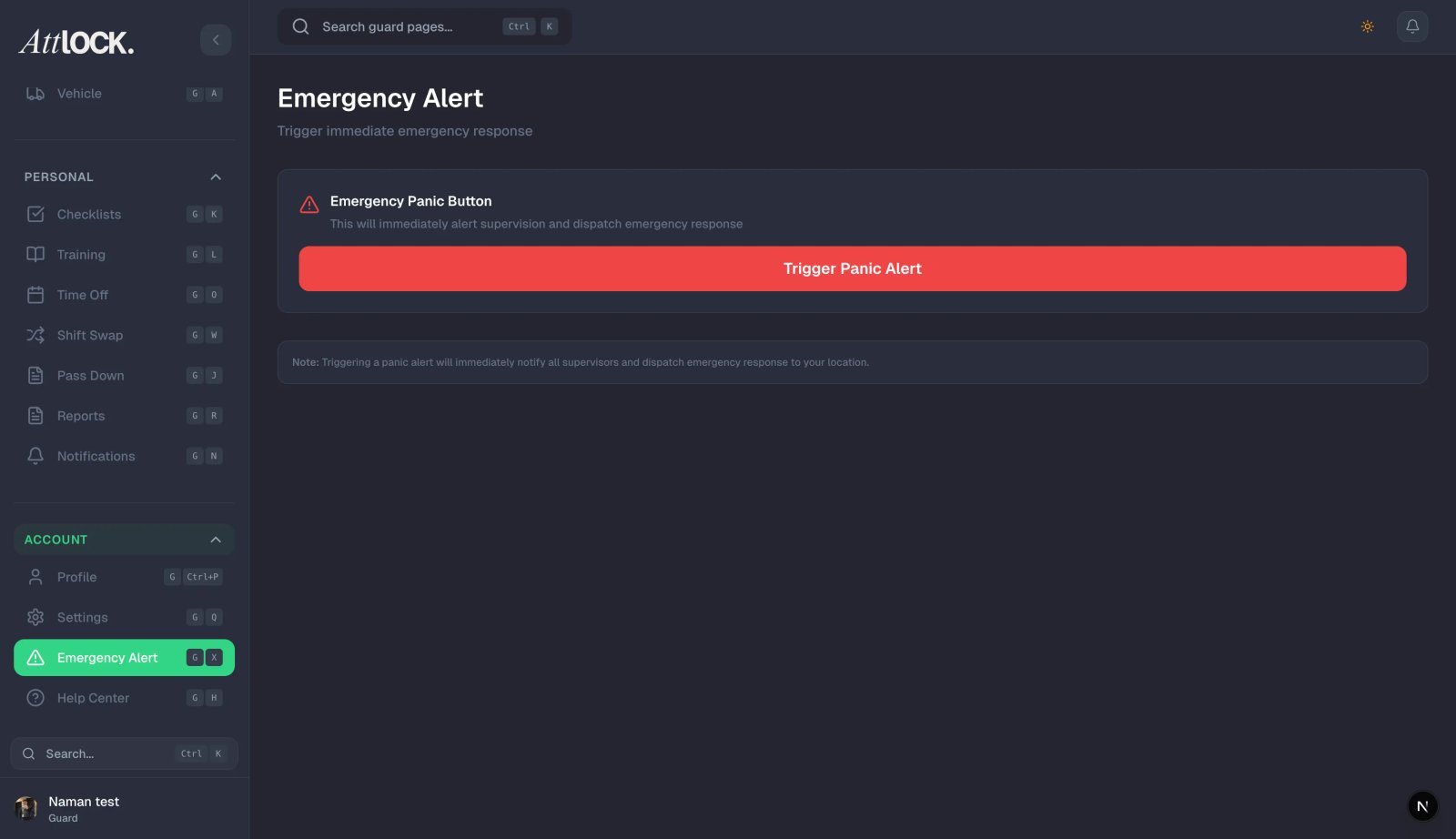
When a fire alarm activates:
- Do not assume it's a false alarm. Treat every activation as real until confirmed otherwise.
- Alert your supervisor immediately — call or message them via Attlock.
- Begin evacuation procedures for your assigned zone or the entire site, per your Post Orders.
- Call emergency services (911 or your local equivalent) if you have any reason to believe there is an actual fire or if your Post Orders require it.
- Do not use elevators — direct all occupants to stairwells.
Evacuation Duties
Your specific role during an evacuation depends on your assignment, but common guard duties include:
Directing Occupants
- Position yourself at key decision points (stairwell doors, corridor junctions) to direct people toward exits.
- Use a calm, clear, authoritative voice: "Please proceed to the nearest stairwell and exit the building."
- Keep people moving — don't allow crowds to form at bottlenecks.
- Assist anyone with mobility limitations to a designated Area of Rescue Assistance and notify emergency services of their location.
Sweeping Your Zone
If your Post Orders assign you a sweep responsibility:
- Move through your assigned area systematically — check offices, restrooms, break rooms, and storage areas.
- Announce yourself loudly: "Security — fire alarm, please evacuate!"
- Do not enter areas with visible smoke or fire. Your safety comes first.
- Report your sweep status to your supervisor when complete.
Managing the Assembly Point
- Direct evacuees to the designated assembly point (marked on your site map in Post Orders).
- Keep the assembly area clear of vehicle traffic.
- Do not allow anyone to re-enter the building until the all-clear is given by the fire department.
Accounting for Occupants
If your site uses an occupant accountability system:
- Work with floor wardens or building management to account for all personnel.
- Report any missing persons to the fire department incident commander immediately.
- Note names and last known locations of anyone unaccounted for.
Liaising with Emergency Services
When fire department or emergency services arrive:
- Meet them at the main entrance if possible — they need to know the layout.
- Provide the following information:
- Location of the alarm activation (which zone or floor).
- Whether you observed smoke, fire, or unusual odors.
- Number of occupants and any unaccounted persons.
- Location of the fire panel and utility shutoffs.
- Follow all instructions from the incident commander.
- Do not re-enter the building until the fire department gives the all-clear.
After the Incident: Documentation in Attlock
Once the situation is resolved and occupants are safe, document the event:
- Tap More > Incident Reports > New Report.
- Select Fire Alarm / Evacuation as the incident type.
- Fill in:
- Time of alarm activation
- Cause (if known — false alarm, actual fire, equipment fault, etc.)
- Actions taken — your response steps, zones swept, emergency services contacted
- Evacuation outcome — all occupants accounted for, any injuries, any unaccounted persons
- Emergency services response — which agencies attended, arrival time, all-clear time
- Attach any relevant photos (fire damage, alarm panel, assembly point).
- Submit the report.
- Also create a Pass-Down Log entry so the next shift is aware of the event.
False Alarms
If the alarm is confirmed as a false activation by the fire department or building management:
- Assist with the controlled re-entry of occupants.
- Still file an Incident Report — false alarms must be documented.
- Note the suspected cause if known (e.g., steam from a kitchen, a faulty detector, a test that wasn't communicated).
- Report recurring false alarms to your supervisor — they may indicate a maintenance issue.
Tips
- Know your Post Orders — your site's evacuation plan, assembly points, and your specific role are all defined there.
- Walk the evacuation routes at the start of a new assignment — don't learn them during an emergency.
- Know where the fire panel is — emergency services will ask.
- Stay calm — your composure directly affects how calmly occupants respond.
- Never prop fire doors open — they exist to contain fire and smoke.
- Document everything — even a false alarm needs a report.
Related Articles
- Using the Emergency SOS Button
- Reading Post Orders and Policies
- Submitting an Incident Report
- Communicating with Your Supervisor
- Using the Pass-Down Log