


Managing Teams & Team Structure
Teams let you group guards by assignment, specialization, or geography. Assign team leads, track collective performance, and simplify scheduling.
Accessing Teams
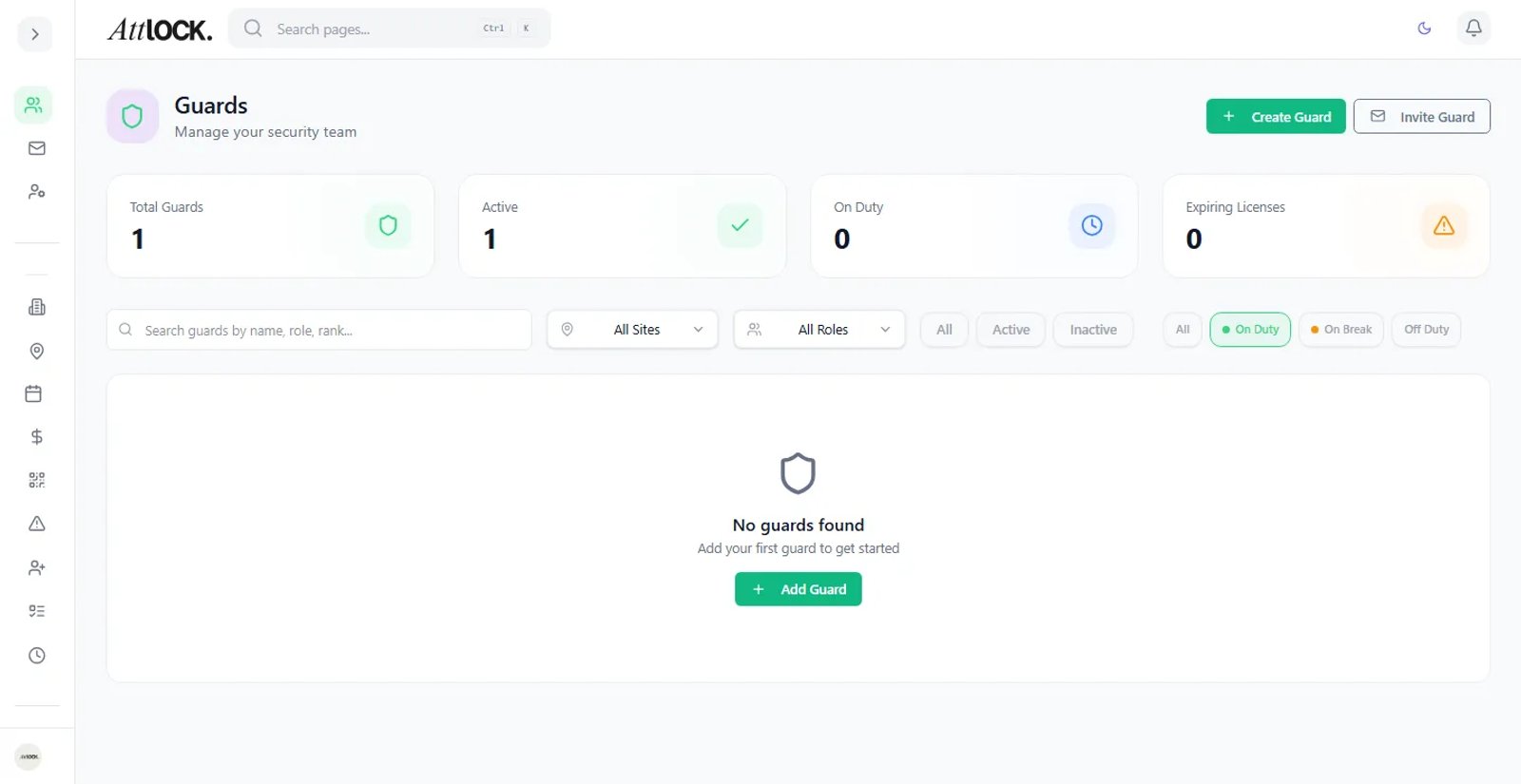
Navigate to Team → Guards → Teams in the sidebar, or press G and search "Teams".
Creating a Team
- Click Create Team.
- Enter a Team Name (e.g., "Night Patrol Unit", "Event Security Alpha").
- Assign a Team Lead — select a guard with supervisor or lead guard role.
- Add Members — select guards from the roster.
- Optionally link the team to specific Sites.
- Save.
Team Roles
| Role | Responsibilities | ------ | ----------------- | Team Lead | Oversees team members, reviews pass-downs, first point of contact | Member | Standard team member, receives team-level assignments and messages |
|---|
Managing Team Members
- Add members: Open the team → click Add Guard → select from roster.
- Remove members: Click the × next to a guard's name.
- Change Team Lead: Select a different guard as lead.
Team Performance
Each team page shows aggregate metrics:
- Total hours worked by team members.
- Checkpoint compliance rate.
- Incidents reported.
- On-time clock-in percentage.
Use this to compare teams and identify coaching opportunities.
Using Teams for Scheduling
When creating shifts, you can filter by team to quickly assign the right guards. Teams also simplify bulk operations like broadcasting announcements or scheduling recurring patrols.
Tips
- Keep teams small (5–10 guards) for effective management.
- Assign team leads who are experienced and can mentor new guards.
- Review team metrics monthly and rotate underperforming members if needed.
- Use teams for announcements — target messages to a specific team instead of all guards.
Related Articles
- Managing Guards
- Scheduling Shifts
- Messages, Pass-Down Logs & Announcements
- Reports & Analytics