


Completing Shift Tasks & Checklists
Shift tasks and checklists are specific actions your admin has assigned you to complete during your shift.
Accessing Tasks
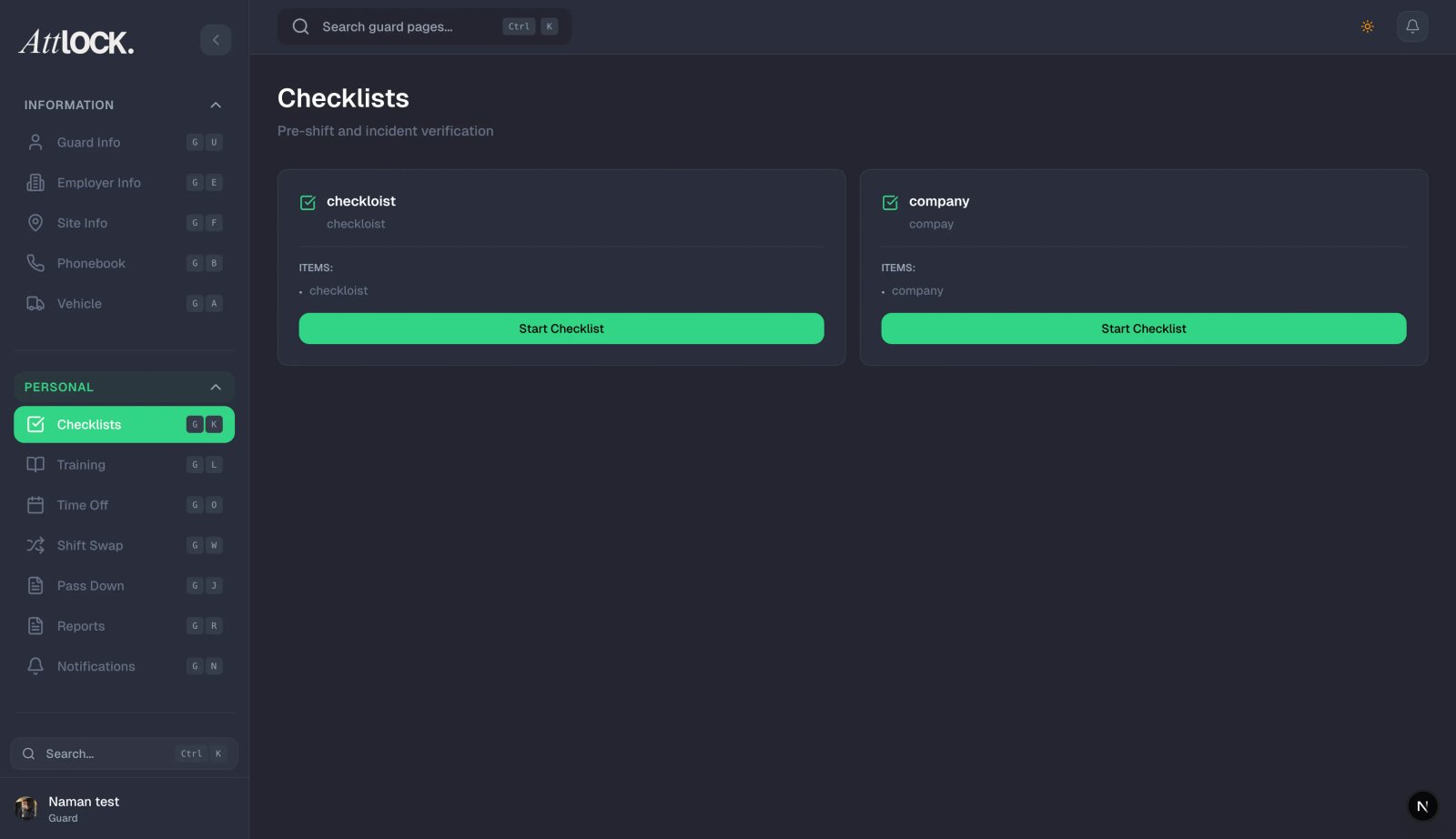
Tap Tasks in the More menu.
Task List
You'll see all tasks assigned to your current shift:
- Task Title — what you need to do.
- Description — detailed instructions.
- Required/Optional indicator.
- Scheduled Time — when the task should be done.
- Priority — urgency level.
Completing a Task
- Tap a task to view its details.
- Follow the instructions.
- Tap Mark Complete.
- Add completion notes if needed.
- The task turns green with a checkmark.
Skipping a Task
If you can't complete an optional task:
- Tap the task.
- Tap Skip.
- Enter a reason for skipping.
- The task is marked as skipped (red).
Note: Required tasks cannot be skipped.
Progress Tracking
At the top of the Tasks screen, you'll see:
- Overall completion percentage.
- Pending count.
- Completed count.
- Skipped count.
Checklists
Checklists are similar to tasks but organized as a single grouped list (e.g., "Opening Procedures").
- Tap Checklists from the More menu.
- Open a checklist.
- Mark each item as complete.
- Add notes to individual items if needed.
- View checklist history.
Checklist Types
- Opening procedures.
- Closing procedures.
- Patrol checklists.
- Equipment checklists.
- Safety checklists.
Tips
- Complete tasks on time — your admin can see completion timestamps.
- Always provide reasons when skipping — it helps management understand obstacles.
- Check for new tasks at the start of each shift.
Related Articles
- Clocking In and Out of Shifts
- Completing a Patrol Tour
- Post Orders & Policies
- Submitting Incident Reports