


Welfare Check-Ins
Welfare check-ins are automated safety prompts that appear during your shift. They're designed to make sure you're safe, especially when working alone.
How It Works
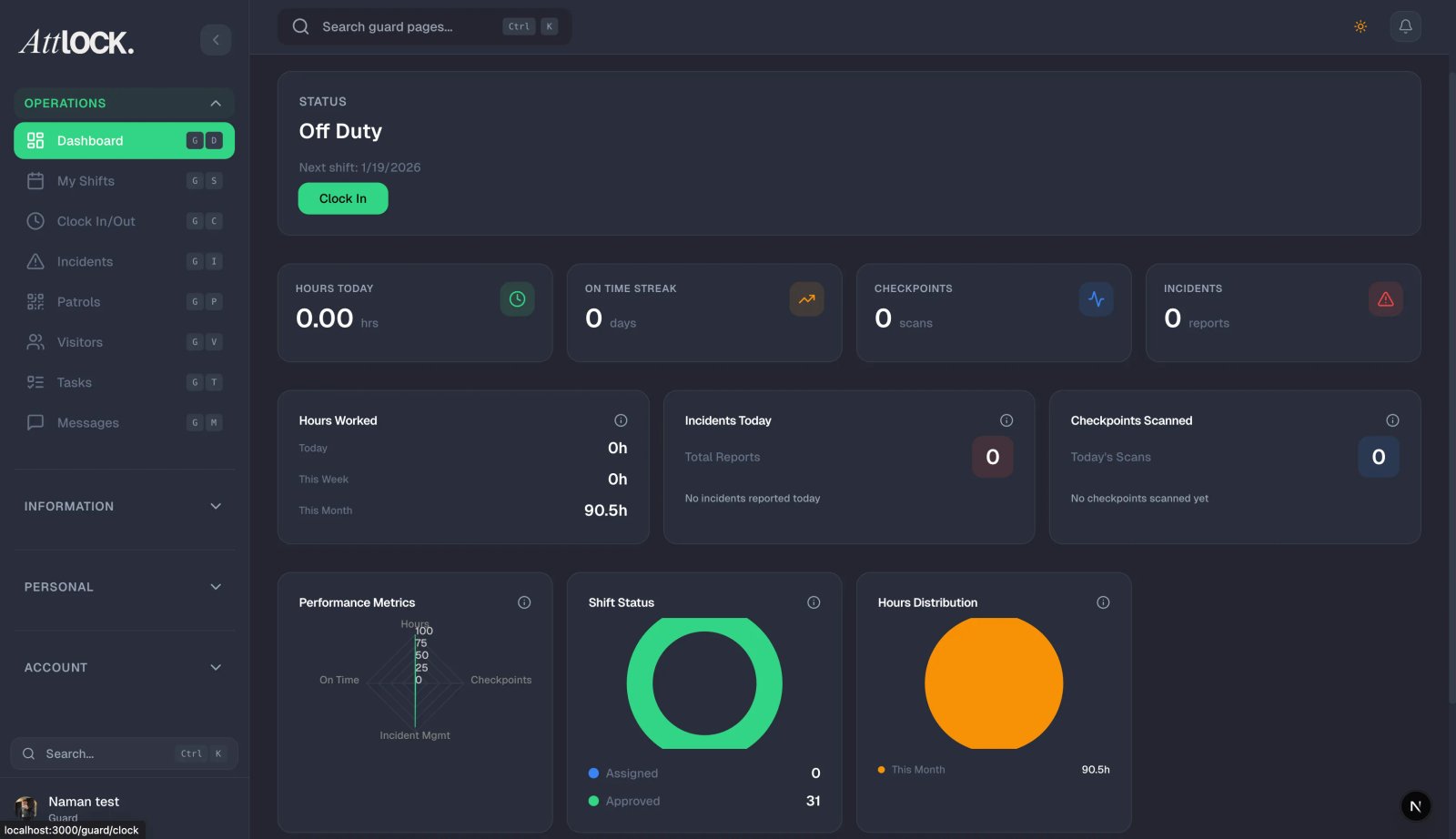
- At regular intervals (set by your admin — typically every 30, 60, 90, or 120 minutes), your phone will display a welfare check prompt.
- A notification appears: "Welfare Check — Are you OK?"
- Tap the "I'm OK" button to confirm you're safe.
- The check-in is recorded with your location and timestamp.
What Happens If You Don't Respond
If you don't respond within the timeout period:
- The system flags a missed welfare check.
- Your supervisor is automatically notified.
- An alert appears on the admin dashboard.
- Someone from your team will attempt to contact you.
When Do Welfare Checks Happen?
Your admin configures this per site. Options include:
- All shifts — every shift, day or night.
- Night shifts only — only during overnight shifts.
- Always — at all times while clocked in.
Tips
- Respond promptly — a missed check triggers escalation procedures.
- Keep your phone charged and nearby during shifts.
- If you're in a situation where you can't respond (emergency, no signal), your team will be alerted.
- Welfare checks are there to protect you — take them seriously, especially when working alone at night.
Related Articles
- Using the Emergency SOS Button
- Clocking In and Out of Shifts
- Notifications & Alerts