


Visitor Management
Track everyone who enters and leaves your security sites. Pre-register visitors, manage contractor access, maintain watchlists, and review visitor analytics.
Accessing Visitor Manager
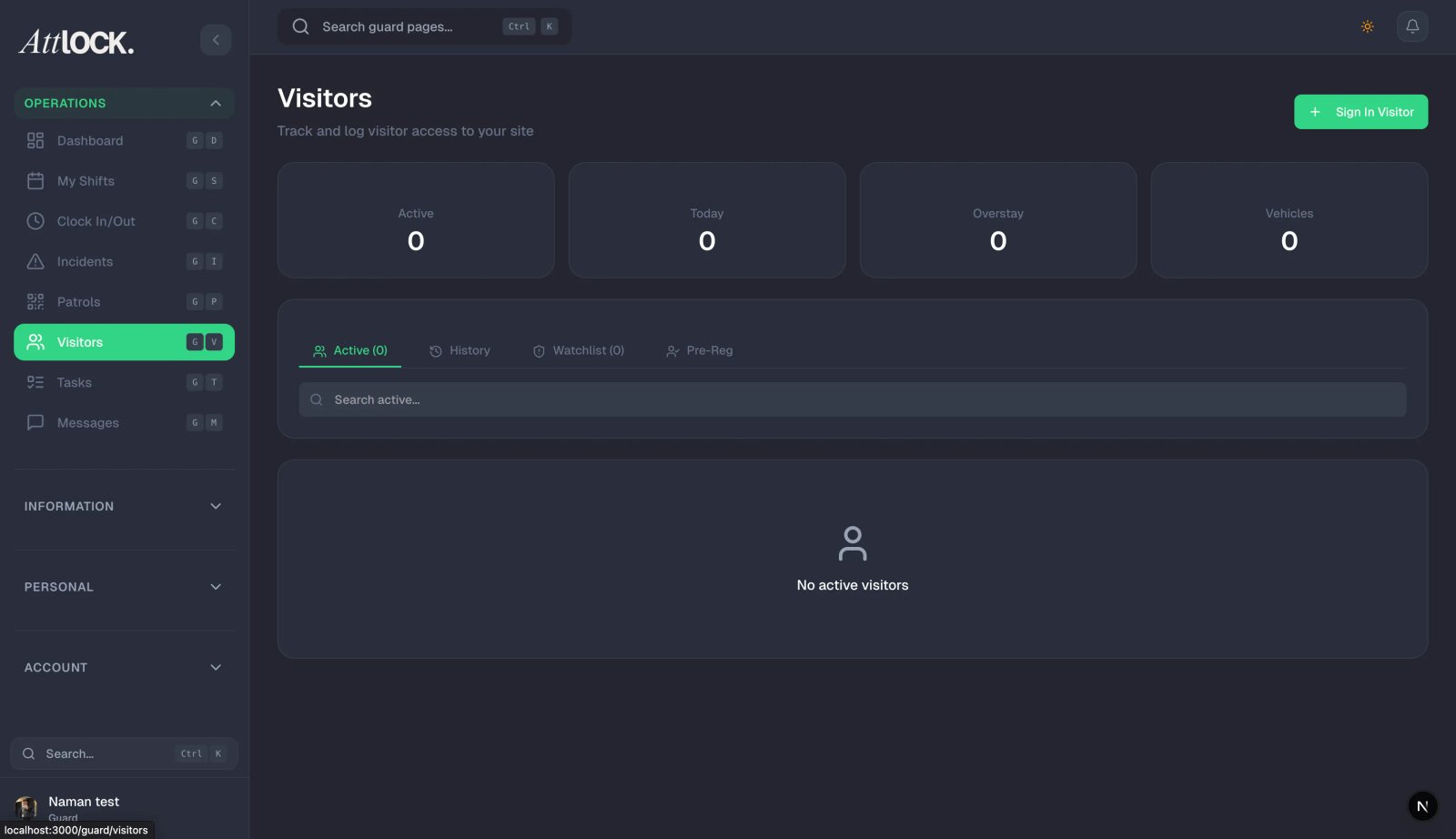
Navigate to Facility & Fleet → Visitor Manager in the sidebar.
Pre-Registering Visitors
- Click Pre-Register Visitor.
- Fill in:
- First Name and Last Name (required)
- Email (optional)
- Company/Organization
- Purpose of Visit (required)
- Expected Arrival — date and time
- Site — which location they'll visit
- Notes for Guards — any special instructions
- A QR code is auto-generated for the visitor.
- Save.
The guard on-site can scan the QR code to check the visitor in quickly.
Visitor Statuses
| Status | Meaning | -------- | --------- | Pending | Awaiting approval | Approved | Ready for arrival | Checked In | Arrived at site | Completed | Visit finished, checked out | Cancelled | Visit was cancelled | No-Show | Didn't arrive |
|---|
Check-In / Check-Out
Guards handle check-in/out from the mobile app:
- Visitor arrives at site.
- Guard opens the Visitors feature.
- Scans the visitor's QR code or searches by name.
- Confirms check-in (timestamp recorded).
- When the visitor leaves, the guard checks them out.
All times and durations are tracked automatically.
Watchlist
Maintain a list of individuals who should be flagged:
- Click Add to Watchlist.
- Enter the person's details.
- When a watchlisted individual is checked in, guards receive an alert.
Contractor Access
For recurring contractors:
- Add a Contractor record.
- Set:
- Access date range (start and end dates)
- Access hours (daily window)
- Phone number
- Company name
- Contractors appear in the visitor list with an active/expired badge.
Visitor Analytics
View visitor traffic patterns:
- Total visitors by day/week/month.
- Peak arrival times.
- Average visit duration.
- Visitors by site.
- Contractor vs. one-time visitor breakdown.
Tips
- Pre-register expected visitors — it speeds up check-in and creates a paper trail.
- Use the watchlist for banned or flagged individuals.
- Review analytics weekly to understand site traffic.
- Set up contractor access for regular service providers.
Related Articles
- Managing Sites
- Managing Guards
- Reports & Analytics