


Viewing Post Orders & Documents
Access standing instructions and important documents for your security sites.
Post Orders
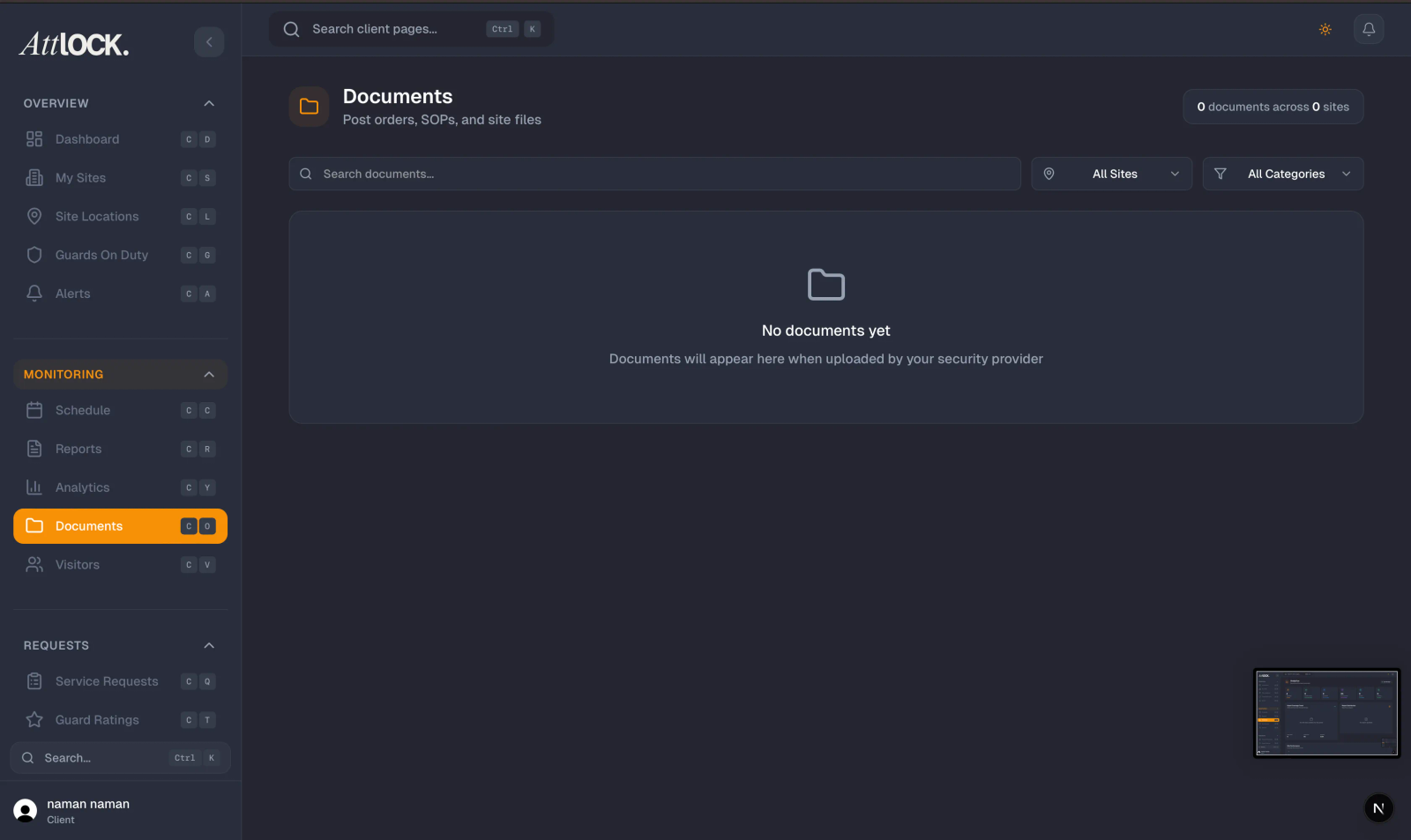
Tap Post Orders from the More menu.
Post orders are site-specific standing instructions that govern how guards operate at your site.
What You'll See
- Document Name — the title of the post order.
- Site — which site it applies to.
- Version — the current version number.
- Download Link — tap to open or download the document.
Accessing Post Orders
- Browse the list of post orders.
- Filter by site if you have multiple locations.
- Tap a post order to open it.
- Download if needed for offline reference.
Documents
Tap Documents from the More menu.
Documents include contracts, policies, procedures, and other files relevant to your security service.
What You'll See
- Document Name
- Document Type/Category
- Associated Site
- Download Link
Accessing Documents
- Browse documents organized by site.
- Tap any document to open it in your phone's viewer.
- Download for offline access.
Tips
- Review post orders to understand how guards are instructed to operate at your site.
- Download key documents for offline reference during site visits.
- Contact your security provider if post orders need updating.
Related Articles
- Viewing Your Sites
- Contacting Your Security Provider
- Viewing Site Reports