


Viewing Contractor Access
The Contractor Access section in Attlock gives you a clear view of all contractors who have been granted access to your site. You can see who currently has active access, review expired passes, and check the details of each contractor's permissions.
Accessing the Contractors Tab
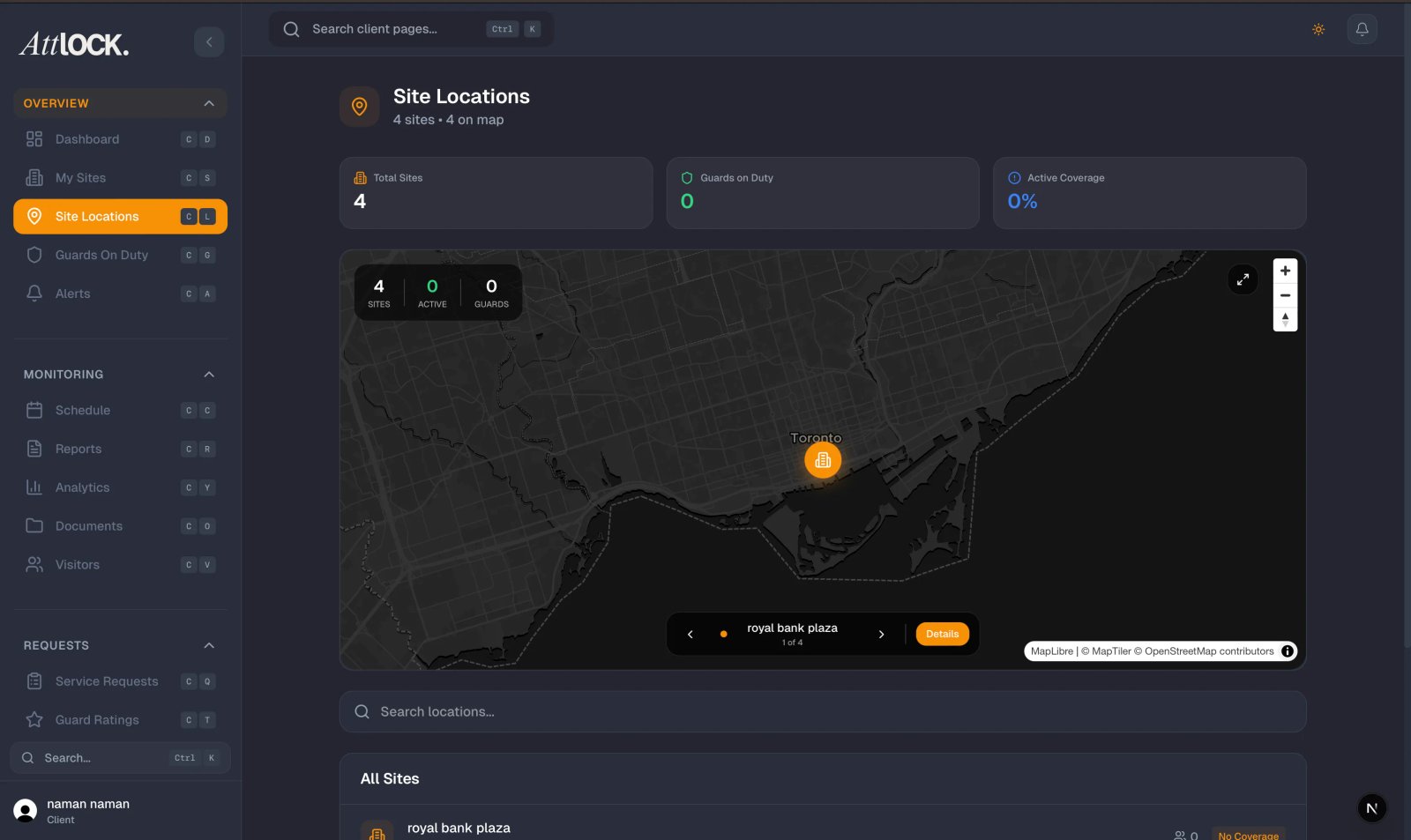
- Log in to your Attlock client portal
- Navigate to the Visitors section from the main menu
- Click the Contractors tab at the top of the Visitors page
- The contractor list loads showing all current and past contractor records
Understanding the Contractor List
The contractor list displays key information at a glance:
- Contractor Name — The individual's full name
- Company — The contracting company they represent
- Status — Whether their access is Active or Expired
- Access Period — The start and end dates of their access authorization
- Last Visit — The most recent date and time they accessed the site
Active vs. Expired Contractors
Active Contractors
Contractors with a green Active badge currently have valid access to your site. Their access end date is in the future, and they may enter during their authorized hours.
Expired Contractors
Contractors with a gray Expired badge no longer have access. Their authorization period has ended. Expired records are kept for your reference and audit purposes but these individuals will not be permitted entry.
Use the filter at the top of the list to toggle between All, Active Only, and Expired Only views.
Viewing Contractor Details
Click on any contractor's name to open their detail page. Here you will find:
Access Information
- Access Start Date — When their authorization began
- Access End Date — When their authorization expires or expired
- Authorized Hours — The specific hours during which the contractor may access the site (e.g., Monday through Friday, 8:00 AM to 5:00 PM)
- Access Areas — Which parts of the site the contractor is authorized to enter
Company Information
- Contracting Company Name — The registered business name
- Company Address — The contractor's business address on file
- Primary Contact — The main contact person at the contracting company
- Phone Number — The company's contact phone number
Contractor Contact
- Phone Number — The individual contractor's direct phone number
- Email Address — Their email on file for communications
- ID or Badge Number — Any identification number assigned for site access
Visit History
A log of each time the contractor accessed the site, including:
- Date and time of entry
- Date and time of exit (if recorded)
- Guard who processed the visit
Searching for a Contractor
Use the search bar at the top of the Contractors tab to find a specific person or company:
- Search by contractor name
- Search by contracting company name
- Search by phone number or badge number
Results update as you type, making it quick to locate the record you need.
Tips
- Check the Contractors tab regularly to verify that only authorized individuals have active access
- Review expired records periodically to ensure no one retains access beyond their project dates
- If a contractor's access period needs to be extended, contact your security provider through the site's service request feature
- Use the visit history log if you need to verify when a specific contractor was on site