


Vehicle & Fleet Management
The Vehicle Manager handles your entire fleet — inventory, live tracking, maintenance schedules, fuel logs, damage records, and patrol route assignments.
Accessing Vehicles
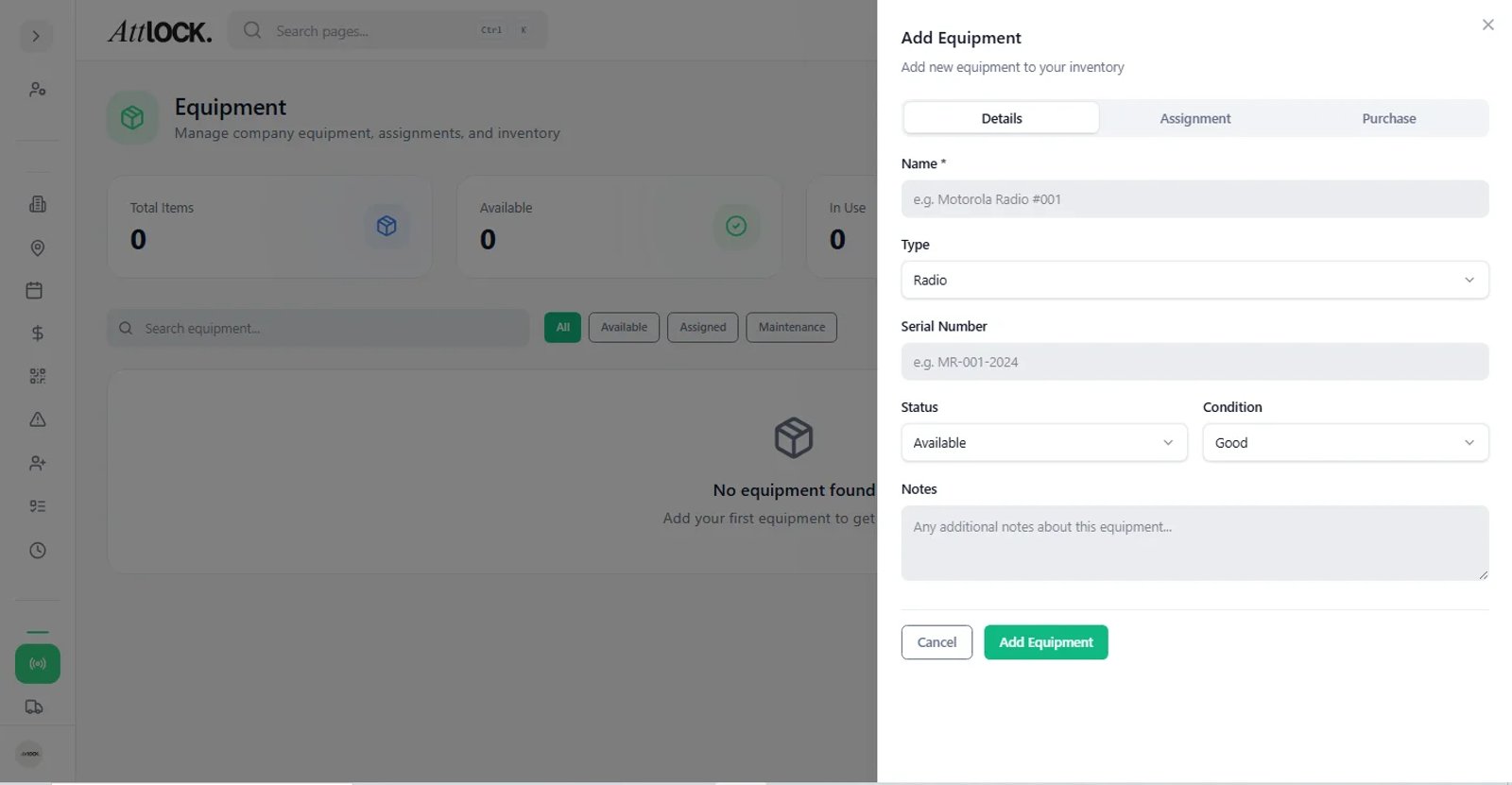
Navigate to Facility & Fleet → Vehicle Manager in the sidebar. Sub-pages include:
- Fleet Dashboard — fleet overview and KPIs
- Live Fleet Map — real-time vehicle locations
- Fleet Overview — vehicle inventory
- Maintenance Vault — maintenance scheduling and history
- Patrol Routes — vehicle route assignments
- Fuel Logs — fuel tracking
- Damage & Inspections — damage records and inspection history
- Run Sheets — daily route schedules
Fleet Dashboard
Overview metrics:
- Fleet utilization rate.
- Vehicle health status.
- Maintenance alerts.
- Fuel economy trends.
Adding a Vehicle
- Go to Fleet Overview.
- Click Add Vehicle.
- Fill in:
- Make, Model, Year
- License Plate
- Color
- Fuel Type: Gas, Diesel, Electric, Hybrid
- VIN (optional)
- Current Mileage
- Save.
Vehicle Statuses
| Status | Meaning | -------- | --------- | Available | Ready for assignment | In Use | Currently assigned to a guard | Maintenance | Undergoing service | Decommissioned | Retired from fleet |
|---|
Live Fleet Map
A real-time map showing all vehicles:
- Vehicle markers with status indicators.
- Route tracking and heading.
- Speed monitoring.
- Geofence violation alerts.
- Click a vehicle for details.
Maintenance Vault
Schedule and track all vehicle maintenance:
- Click a vehicle → Schedule Maintenance.
- Enter:
- Service Type (oil change, tire rotation, brake inspection, etc.)
- Scheduled Date
- Service Provider
- Estimated Cost
- Track completion and costs.
- View full maintenance history per vehicle.
Fuel Logs
Track fuel consumption and costs:
- Go to Fuel Logs.
- Log a fill-up:
- Vehicle
- Date
- Gallons/liters
- Cost
- Odometer reading
- View consumption rates and efficiency metrics.
- Identify vehicles with poor fuel economy.
Damage & Inspections
Record vehicle damage and inspection results:
Logging Damage
- Go to Damage & Inspections.
- Click Log Damage.
- Enter:
- Vehicle
- Date
- Damage description
- Severity: Minor, Moderate, Severe, Destroyed
- Photos
- Track repair status.
Pre-Trip Inspections
Guards submit pre-trip inspections from the mobile app, which appear here:
- Mileage reading
- Fuel level
- Tire condition
- Lights, brakes, interior checks
- Damage found (with photos)
- Inspector name and timestamp
Patrol Routes
Assign vehicles to specific patrol routes:
- Go to Patrol Routes.
- Create or assign routes.
- Link vehicles to routes.
- Track completion.
Vehicle Sweeps
Track area coverage and patrol sweeps:
- Assign sweep areas.
- Monitor coverage completion.
- View sweep history.
Tips
- Schedule maintenance proactively — don't wait for breakdowns.
- Check the Live Fleet Map for real-time visibility.
- Review fuel logs monthly to catch anomalies.
- Require pre-trip inspections so damage is caught early.
Related Articles
- Run Sheets
- Patrols & Checkpoints
- Live Tracking
- Equipment Management