


Using the Phonebook
The Phonebook gives you quick access to important contacts — supervisors, dispatch, fellow guards, and site-specific contacts.
Accessing the Phonebook
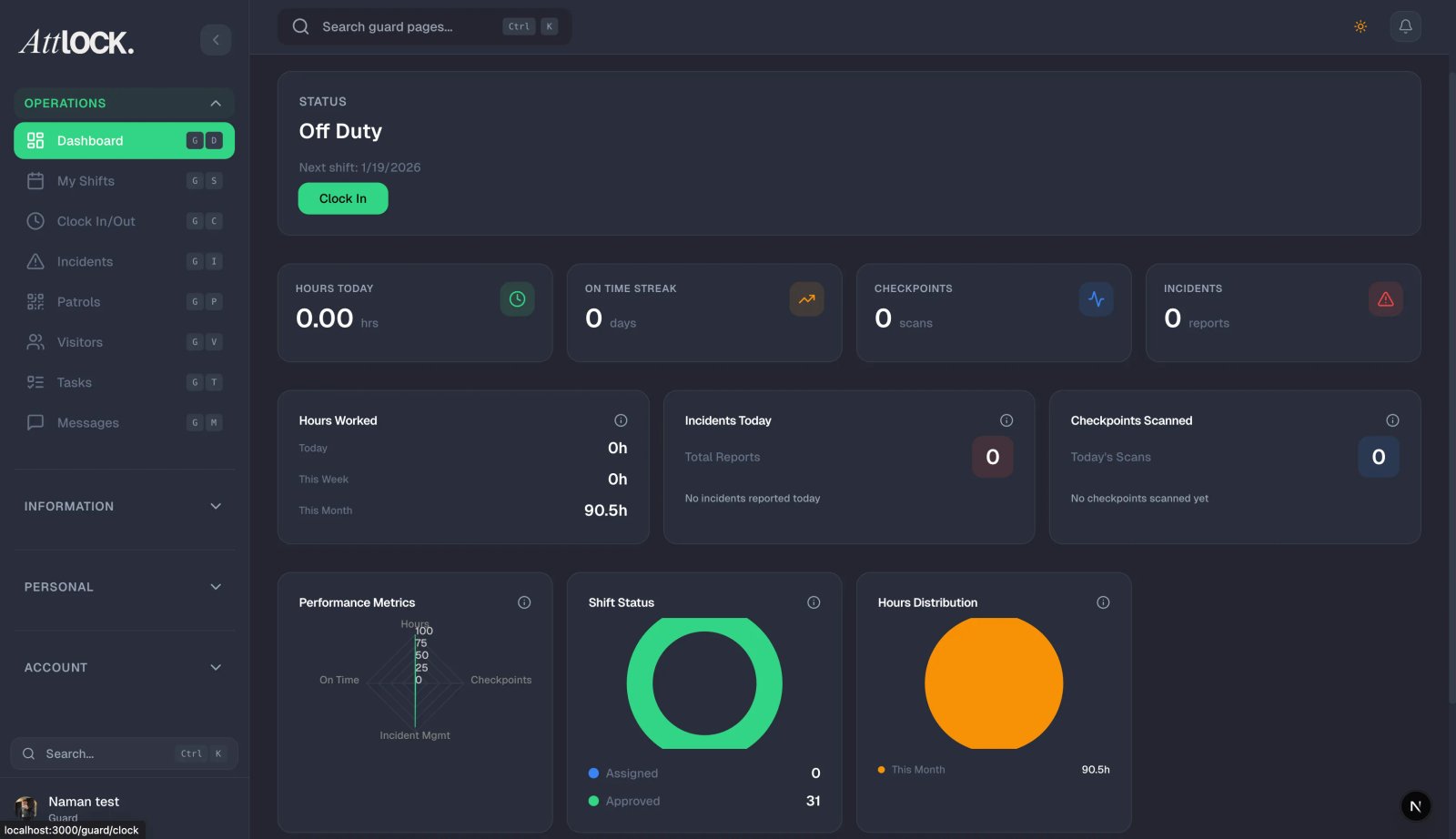
Go to Profile → Phonebook, or find it in the More menu.
Finding Contacts
- Search by name or role.
- Contacts are grouped by type:
- Company contacts (dispatch, HR, management)
- Site-specific contacts (site supervisors, client contacts)
- Team contacts (fellow guards)
Contact Actions
Tap any contact to see their details:
- Name and Title/Role
- Phone Number — tap to call directly.
- Email — tap to send an email.
- Site Assignment — where they work.
Quick Actions
- Call — tap the phone icon to dial.
- Text — tap the message icon to send an SMS.
- Email — tap the email icon.
Tips
- Save the dispatch number in your personal contacts for emergencies.
- Use the phonebook instead of searching through your personal contacts — it's always up to date.
- Check site-specific contacts when you're at a new location.
Related Articles
- Getting Started with the Guard Mobile App
- Using the Emergency SOS Button
- Profile Settings