


Parking Management
Manage parking lots, monitor real-time occupancy, and track violations across all your security sites.
Accessing Parking
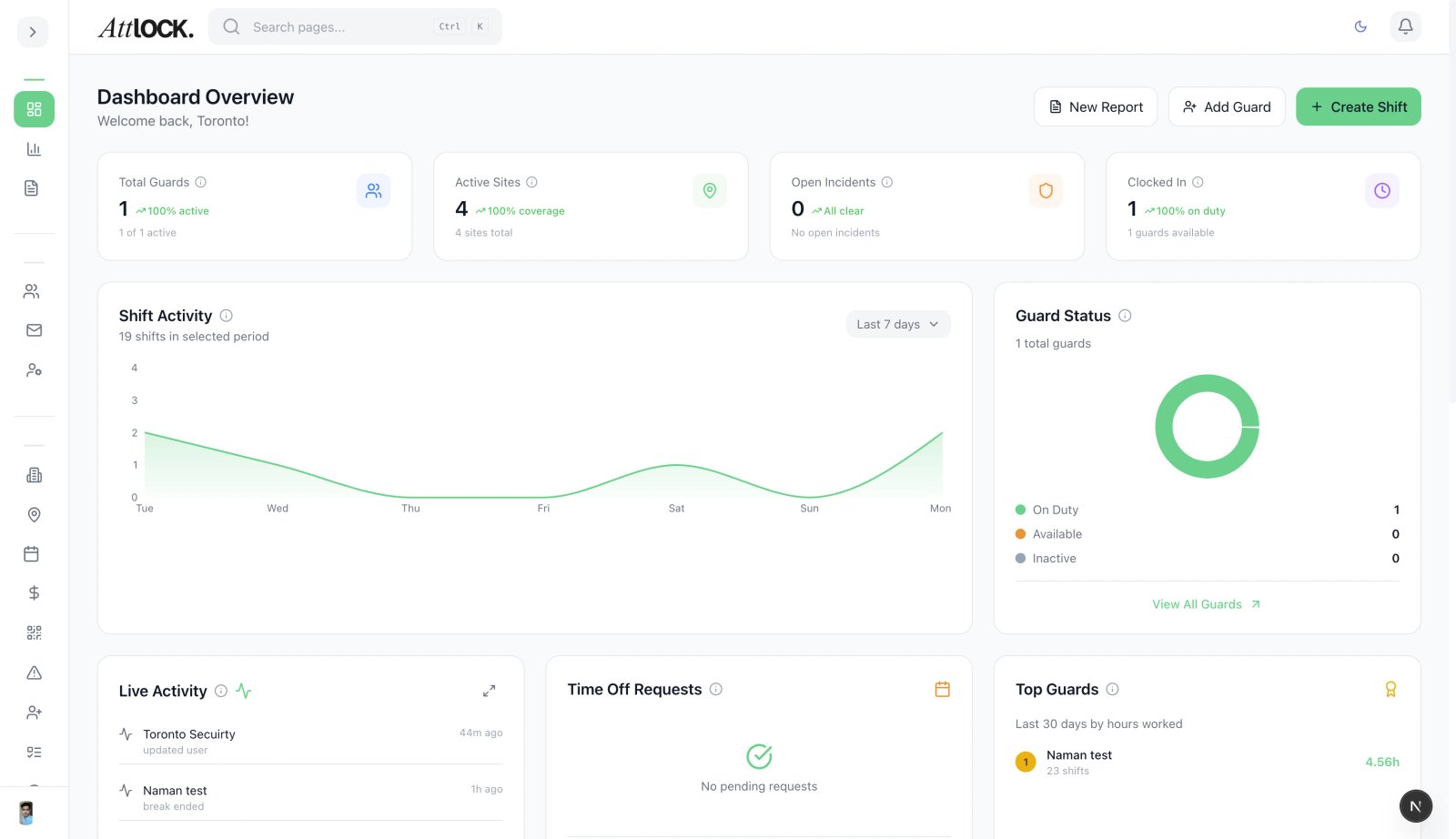
Navigate to Facility & Fleet → Parking Manager in the sidebar.
Setting Up Parking Lots
- Click Add Parking Lot.
- Fill in:
- Lot Name (e.g., "Main Garage Level 1")
- Site — assign to a location.
- Total Capacity — number of spaces.
- Status: Available, Assigned, Restricted, Maintenance.
- Save.
Monitoring Occupancy
The Parking dashboard shows:
- Total Available Spaces — aggregated across all lots.
- Total Capacity — maximum spaces.
- Number of Lots — active parking lots.
- Per-lot breakdown:
- Lot name
- Available / Occupied / Total spaces
- Occupancy percentage
- Visual bar (green = low, yellow = medium, red = high)
Vehicle Logging
Guards log vehicle entries and exits from the mobile app:
- Vehicle Entry: License plate, vehicle color, make, timestamp, lot.
- Vehicle Exit: License plate, timestamp.
- Real-time occupancy updates as vehicles enter and leave.
Parking Violations
Guards issue violations from the mobile app. Violation types include:
- Expired meter
- Wrong zone
- No permit
- Handicap violation
- Fire lane
- Double parked
- Overtime
- Other
Each violation records:
- License plate
- Violation type
- Description / notes
- Timestamp
- Lot location
Analytics
View parking analytics:
- Occupancy trends over time.
- Peak usage hours.
- Violation counts by type.
- Lot utilization comparisons.
Tips
- Set accurate capacities for reliable occupancy tracking.
- Review violations weekly to identify repeat offenders.
- Share occupancy data with clients through the client portal.
Related Articles
- Managing Sites
- Vehicle & Fleet Management
- Reports & Analytics