


Help & Support
Access help resources, contact support, and find emergency information.
Accessing Help
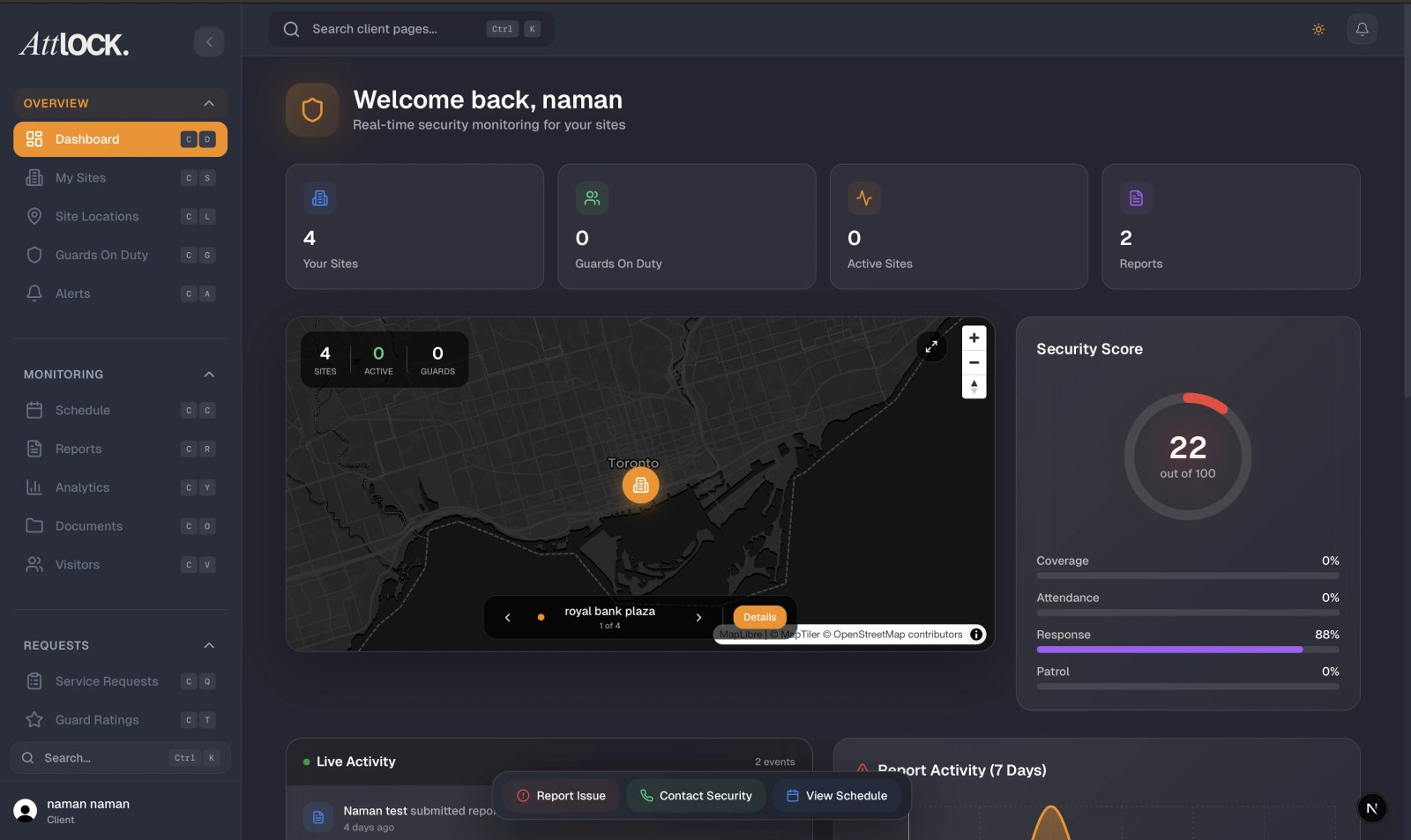
Tap Help & Support from the More menu.
Support Articles
Browse help articles organized by category:
- Getting started.
- Site management.
- Guard tracking.
- Reports and analytics.
- Billing and invoices.
- Visitor management.
Tap any article to read the full content.
Contacting Support
The support page offers multiple contact channels:
| Channel | Use For | --------- | -------- | App Support | Login issues, account problems | Technical Support | Bugs, crashes, sync issues | Email Support | General questions and requests | Help Center Website | Full searchable knowledge base |
|---|
Emergency Contacts
Tap Emergency Contact from the More menu for critical numbers:
- 911 — Police, Fire, Ambulance.
- Security Dispatch — your security company's 24/7 dispatch line.
- Email Support — for non-urgent matters.
Safety Tips
- Call 911 for life-threatening emergencies.
- Contact security dispatch for suspicious activity.
- Always provide your exact location and site name.
- Stay calm and follow instructions.
Your Security Provider
Tap Security Provider from the More menu to view:
- Company name and logo.
- Phone number and email.
- Physical address.
- Website.
- License number and verification status.
- Company statistics (sites covered, active guards).
- Support contacts.
Tips
- Save the dispatch number in your phone contacts.
- Use the Help Center for self-service answers before contacting support.
- For billing questions, email is usually the fastest channel.
Related Articles
- Getting Started with the Client Portal
- Emergency Contacts
- Contacting Your Security Provider